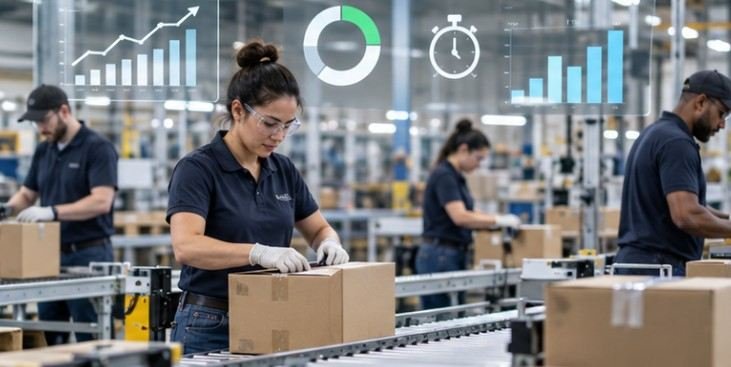
More than half of U.S. workers in production occupations were required to maintain a consistently fast work pace in 2023, according to the U.S. Bureau of Labor Statistics occupational requirements data. Many frontline teams are already moving quickly; the bigger productivity problem is often the system around the work, not employee effort.
The strongest deskless worker productivity strategies focus on removing avoidable friction: faster access to schedules and instructions, less app switching, training that fits active shifts, predictable staffing, and simple ways to report problems.
Why Deskless Productivity Breaks Differently
A tool that works for an office employee can slow a warehouse associate if it requires a desktop login, several passwords, long forms, or multiple apps.
The Bureau of Labor Statistics measures labor productivity by comparing output with hours worked. For frontline operations, the practical goal is therefore to increase useful output without simply adding labor time. That usually means cutting waiting, rework, searching, handoffs, and preventable errors.
Start With a Mobile-First Work Hub
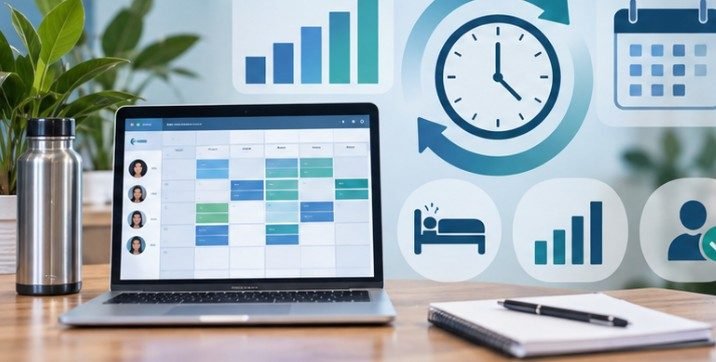
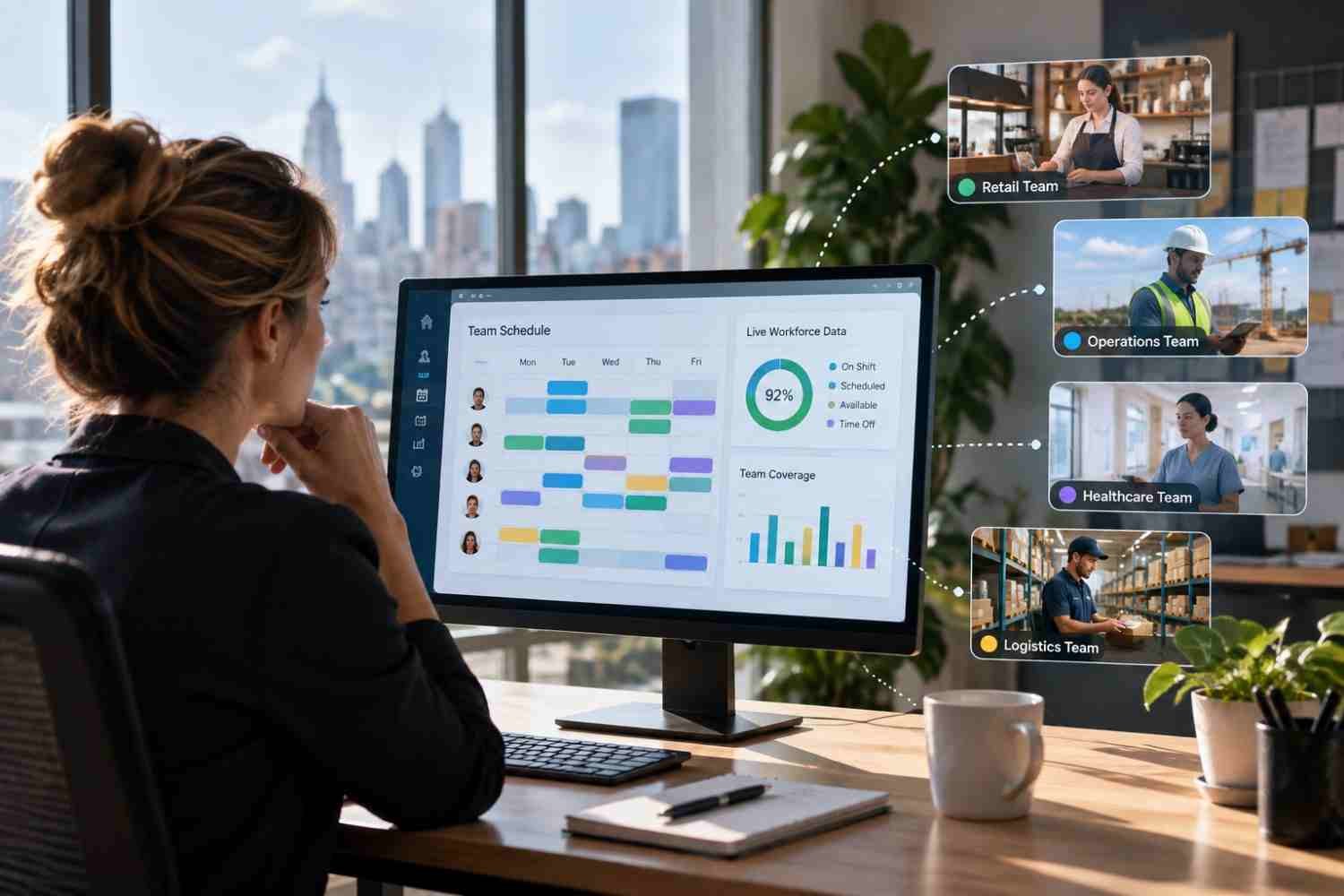
Schedules, time-off requests, shift swaps, task updates, training, HR questions, and urgent announcements should be easy to reach from one place.
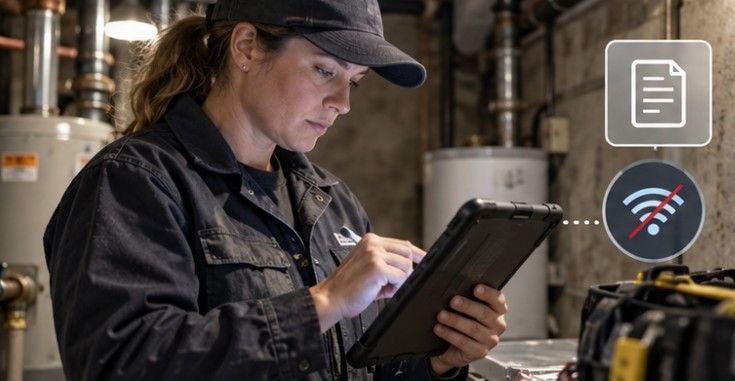
Test tools under real conditions. Can an employee use them while wearing gloves? Do critical job aids remain available when connectivity drops? Can workers without corporate email sign in easily?
Offline access matters for basements, large facilities, rural sites, warehouses with weak signals, and field crews. Mobile-first systems should reduce steps rather than simply moving a complicated desktop workflow onto a smaller screen.
Make Training Short and Close to the Task

Long desktop courses are a poor fit for shifts built around customers, equipment, patients, deliveries, or production targets.
Short modules work better when each teaches one behavior: complete a safety check, use a scanner function, handle a new return process, or respond to an equipment alert.
Research published through the National Bureau of Economic Research examined a randomized training program for frontline workers at a government agency. Trained employees increased their output and needed less managerial assistance. The researchers estimated that spillover benefits to managers accounted for about 45% of the program’s total gains.
The study was conducted outside the United States, so the result is not a universal forecast. Effective training can nevertheless reduce repetitive troubleshooting and free supervisors for higher-value work.
Treat Scheduling as a Productivity System
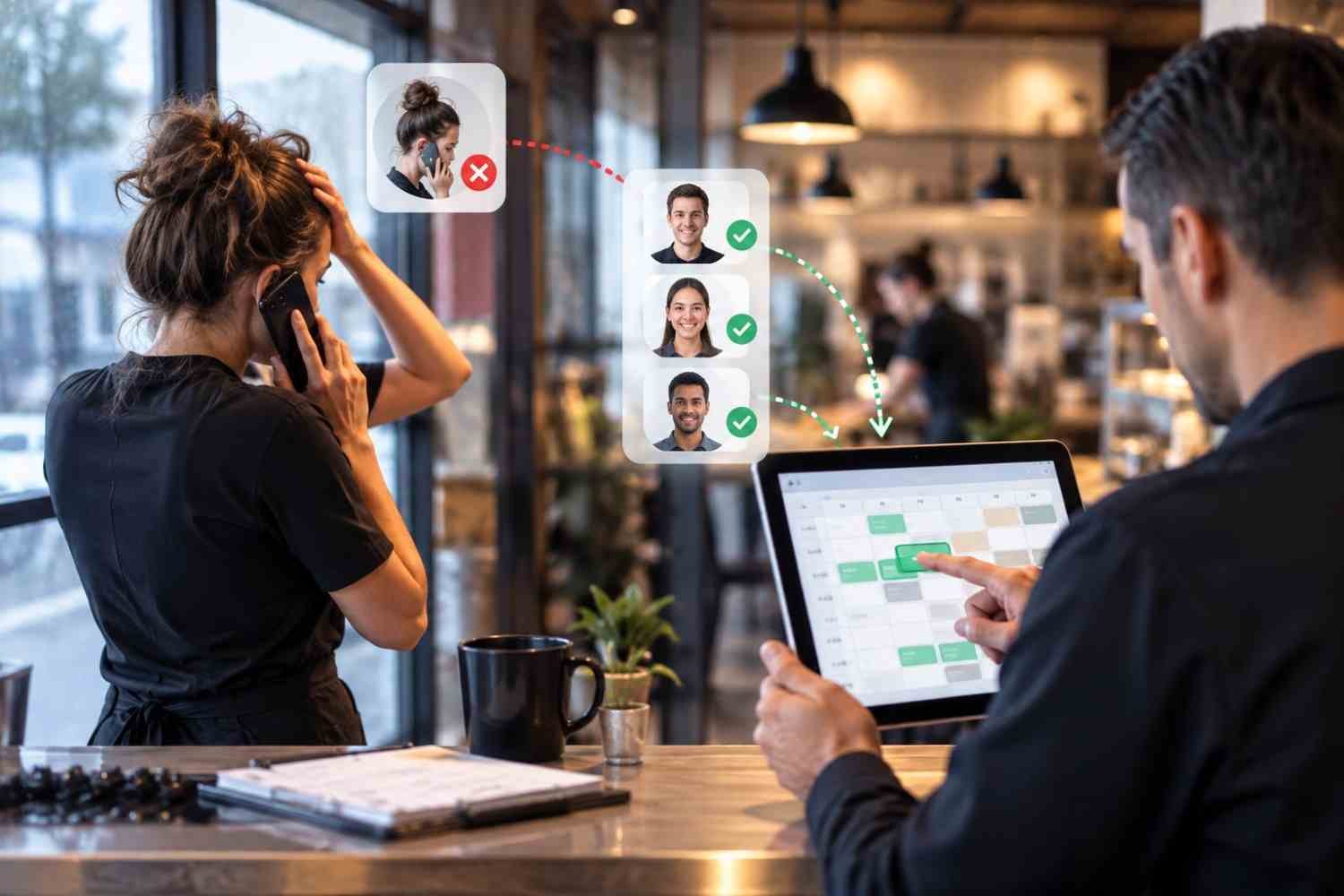
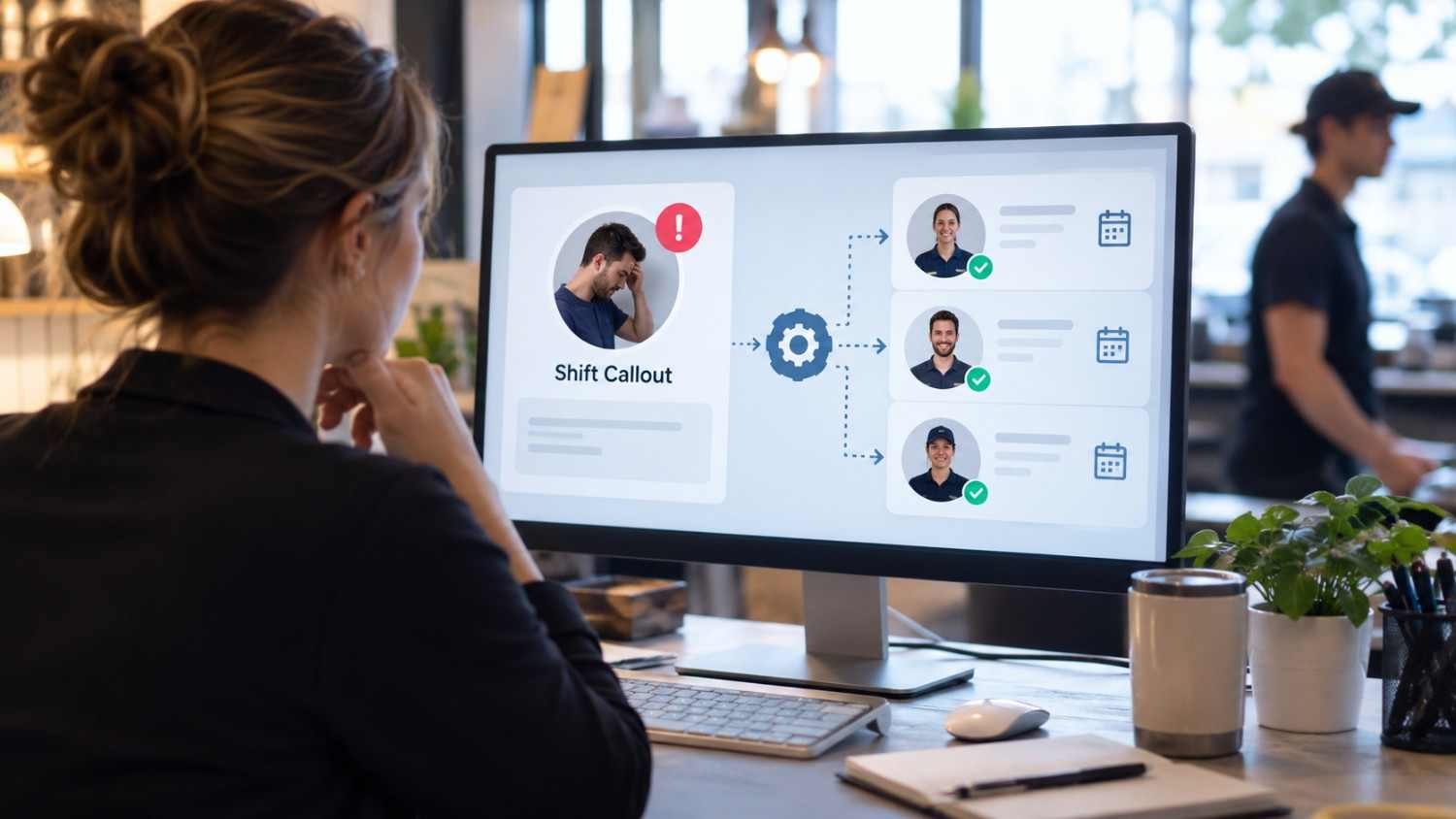
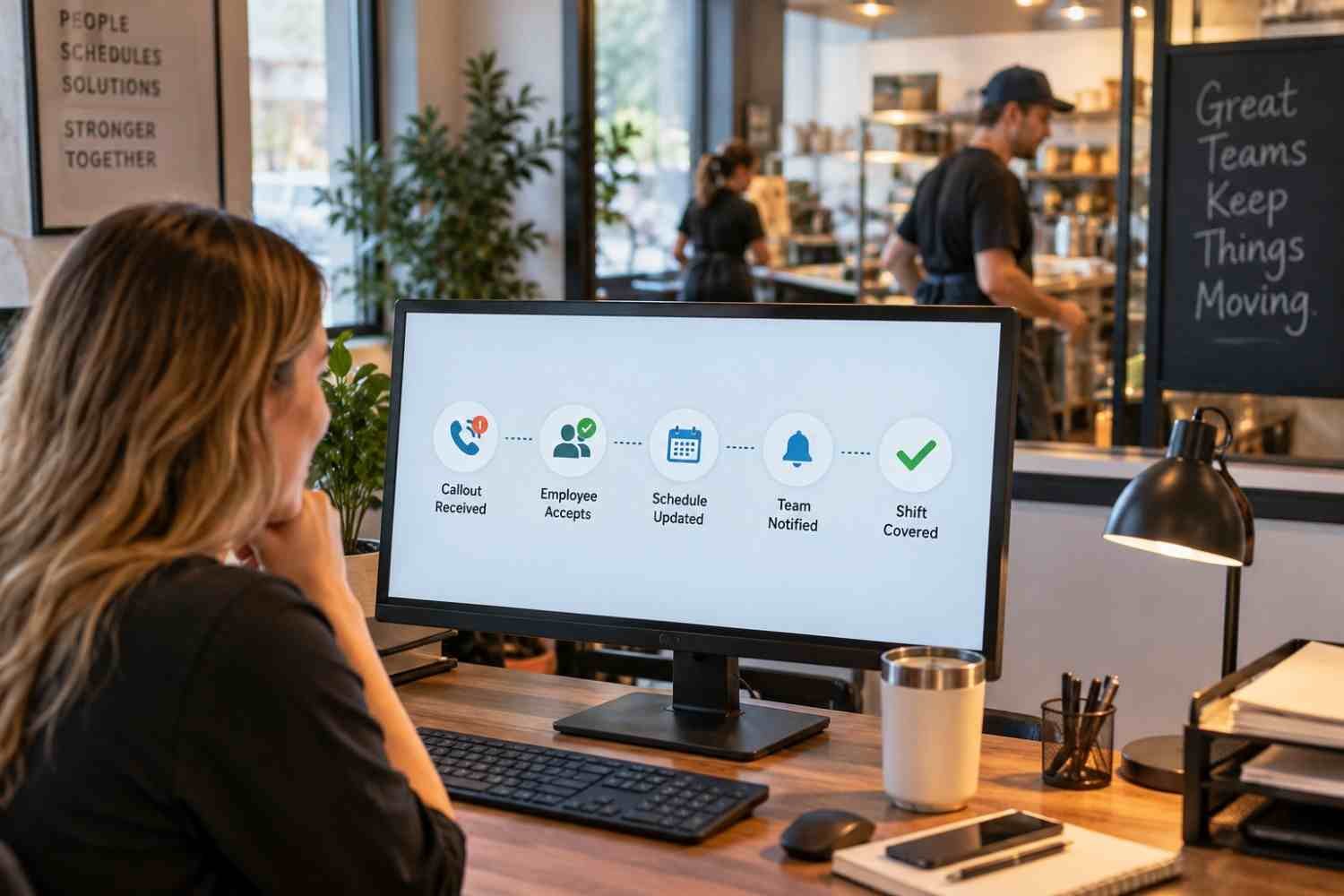
Schedule quality influences fatigue, handoffs, team familiarity, coverage, and the time managers spend fixing gaps.
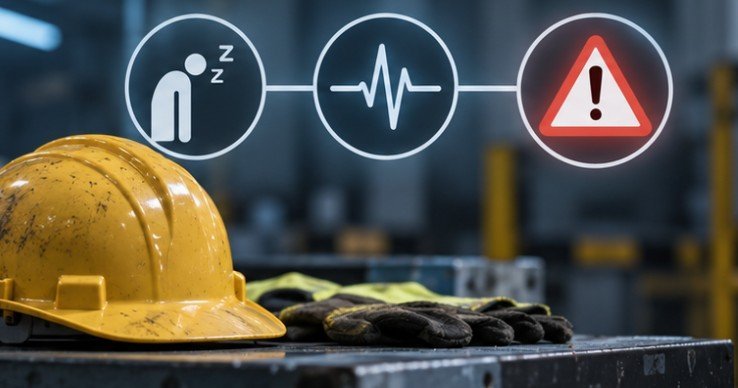
The NIOSH Center for Work and Fatigue Research reports that nearly 30% of the American workforce has a schedule outside a regular daytime shift. NIOSH also notes that fatigue can slow reaction time, reduce attention, limit short-term memory, and impair judgment.
That makes predictable scheduling an operational issue, not merely an employee perk.
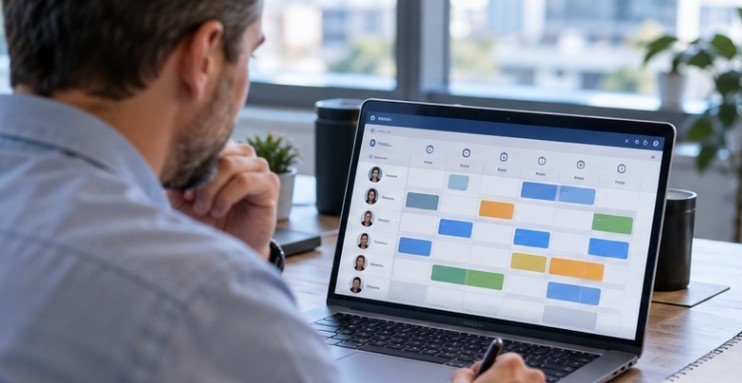
Publish schedules as early as practical, make availability updates easy, set clear rules for shift swaps, monitor excessive consecutive shifts, and watch overtime by employee and role.
Research and operational work from MIT Sloan on frontline work systems also emphasizes stable schedules, cross-training, simplified operations, and greater worker empowerment as ways to improve frontline performance.
Build Two-Way Communication

Frontline communication fails when headquarters can send messages but workers cannot easily respond.
The Occupational Safety and Health Administration’s worker-participation guidance notes that workers often have valuable knowledge about hazards and operational problems because they experience them directly. Effective programs provide information, invite reporting, respond to concerns, and remove barriers such as language differences, lack of time, or fear of retaliation.
The same principle applies outside safety. A warehouse worker may notice recurring scanner failures before management sees them in reports. A restaurant employee may know why a particular handoff consistently slows service.
Frontline feedback should therefore feed directly into process improvement.
Use a 60-Second Frontline Friction Audit
A simple audit can reveal where productivity is leaking. Ask five questions about any recurring workflow:
- Can the worker find the information needed in under a minute?
- Can the task be completed without jumping between several systems?
- Does the process still work with poor connectivity?
- Can the employee report a problem without leaving the work area?
- Does the manager receive enough information to fix the cause?
If two or more answers are “no,” the workflow is a strong redesign candidate.
| Productivity leak | Worker experience | Better response |
| Information friction | Searching for procedures | One mobile access point |
| Schedule friction | Last-minute gaps | Earlier schedules and controlled swaps |
| Training friction | Long, detached courses | Short role-based modules |
| Communication friction | One-way messages | Alerts plus feedback channels |
| Fatigue friction | Slower reactions, more errors | Review shift length and overtime |
Measure Results Without Surveillance Friction
Productivity measurement should show whether work is improving, not merely whether employees look busy.
Choose metrics that fit the job. Retail teams might track wait times and stocking accuracy. Field-service organizations may monitor first-time fix rate. Warehouses can combine units processed with error and damage rates.
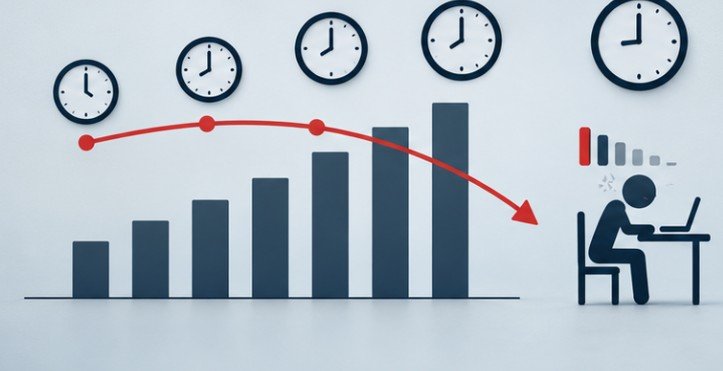
Avoid relying on a single speed metric. Faster work that produces additional defects, injuries, customer complaints, or repeat visits is not a genuine productivity gain.
A balanced frontline scorecard can combine one output measure, one quality measure, one safety measure, and one workforce measure such as unplanned overtime or absenteeism.
Recognition Should Reward the Right Things

Recognition should reinforce problem-solving, safe work, coaching, reliability, learning, and customer recovery—not only raw speed.
OSHA specifically cautions that incentive programs should not discourage employees from reporting injuries, illnesses, or hazards. If workers believe speaking up will cost them rewards, reported performance may improve while underlying risk increases.
Where These Strategies Can Fail
Technology cannot compensate for chronic understaffing, unrealistic targets, poor equipment, or policies that give workers responsibility without authority.
Mobile-first also does not mean mobile-only. Some teams still need shared kiosks, printed backup procedures, translated materials, accessibility support, or manager-assisted workflows.
Flexibility needs guardrails as well. Unlimited shift swapping can create skill gaps, overtime, or uneven coverage unless eligibility, qualifications, and approval rules are built into the process.
The best deskless worker productivity strategies are operational, not merely digital. Technology like AI is reshaping workflows and redefining jobs. It should make good work easier rather than add another administrative layer.
Frequently Asked Questions
1. What is the fastest way to improve deskless worker productivity?
Remove one repeated friction point, such as schedule confusion, missing instructions, or app switching. Small workflow fixes can outperform another performance target.
2. How should companies measure deskless productivity?
Combine output with quality, safety, and labor measures. Track productivity alongside errors, incidents, overtime, rework, and customer outcomes.
3. Are mobile apps necessary for frontline teams?
Not always. Mobile tools help when they reduce access barriers, but shared devices, kiosks, offline materials, and printed procedures may still be necessary.
4. How does scheduling affect productivity?
Poor scheduling can increase fatigue, coverage gaps, overtime, and handoff problems. Predictable schedules help managers maintain steadier teams and reduce disruption.
Final Takeaway
The most productive deskless teams are not necessarily the ones moving fastest. They are the ones spending less time waiting for information, fixing avoidable errors, chasing schedule changes, repeating training, or trying to get a manager’s attention.
Use that as the test for any productivity initiative: does it make the job easier to execute correctly on the first attempt? Start with one high-friction workflow, measure the delay or rework it creates, and redesign that process before buying more technology. When systems fit active shifts, productivity becomes a result of better work design rather than more pressure.