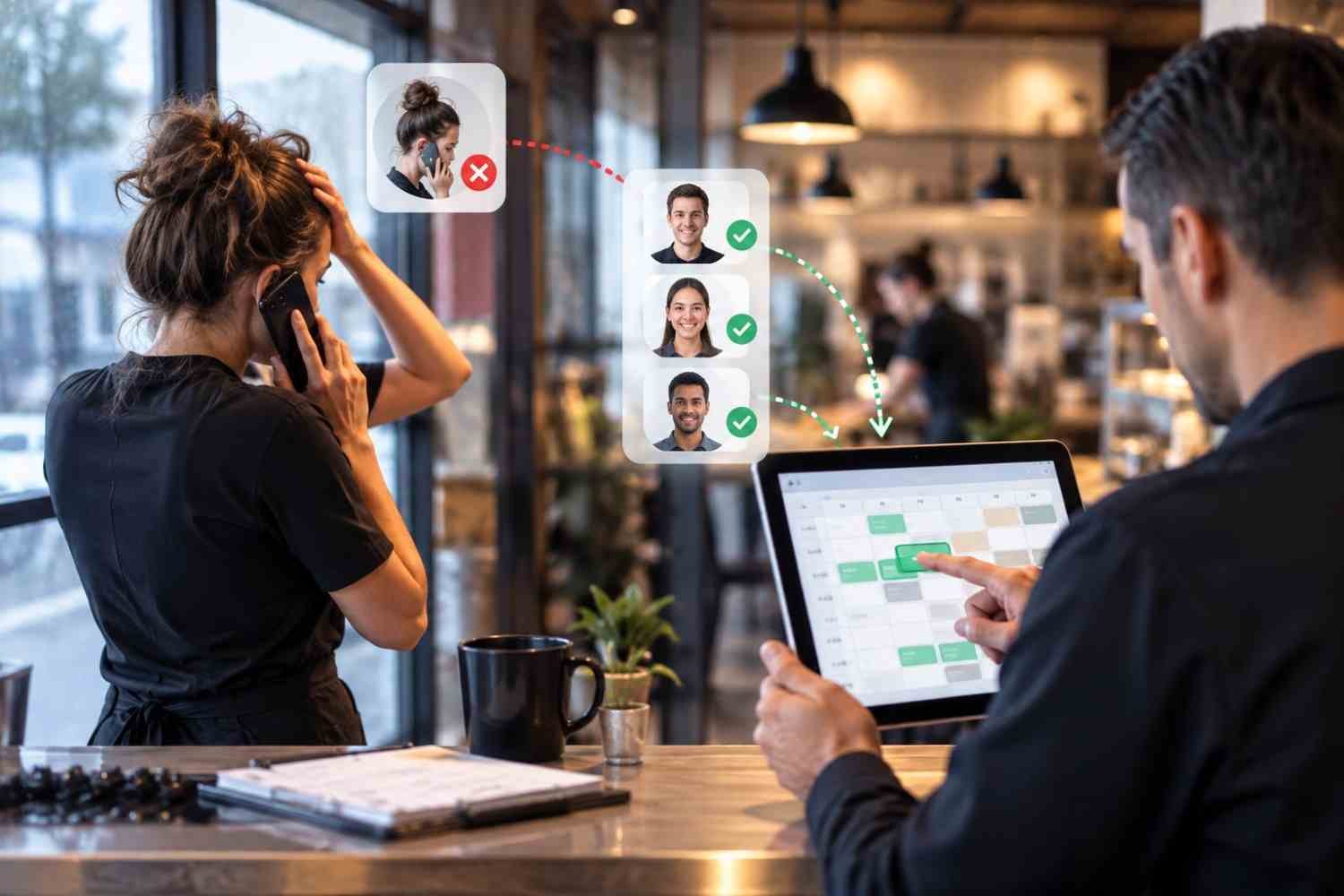
I’ve seen how one unexpected callout can throw an organized shift into confusion. A manager may have a schedule that looks perfect in the morning, only to start making calls and sending texts because someone cannot come in. The problem is rarely the absence itself. It is the scramble to find a suitable replacement quickly.
I’ve also noticed how much easier these situations become when scheduling information lives in one system. Instead of checking a spreadsheet, searching old messages, and guessing who is available, workforce software can turn a callout into a structured coverage process. That shift from manual coordination to automated action is what makes the technology useful when every minute matters.
What Happens When an Employee Calls Out?
A last-minute absence creates more than an empty space on a schedule. The manager needs to know who can take the shift, whether that person has the right skills, and whether adding the hours could create overtime or another scheduling conflict.
Workforce software brings these details together. When a callout is entered, the scheduled shift can be marked as vacant while managers receive an immediate notification. Employees can also report absences through a mobile app, depending on company policy. This creates a consistent record instead of leaving information buried in voicemail, texts, or informal conversations.
How Workforce Software Finds a Replacement
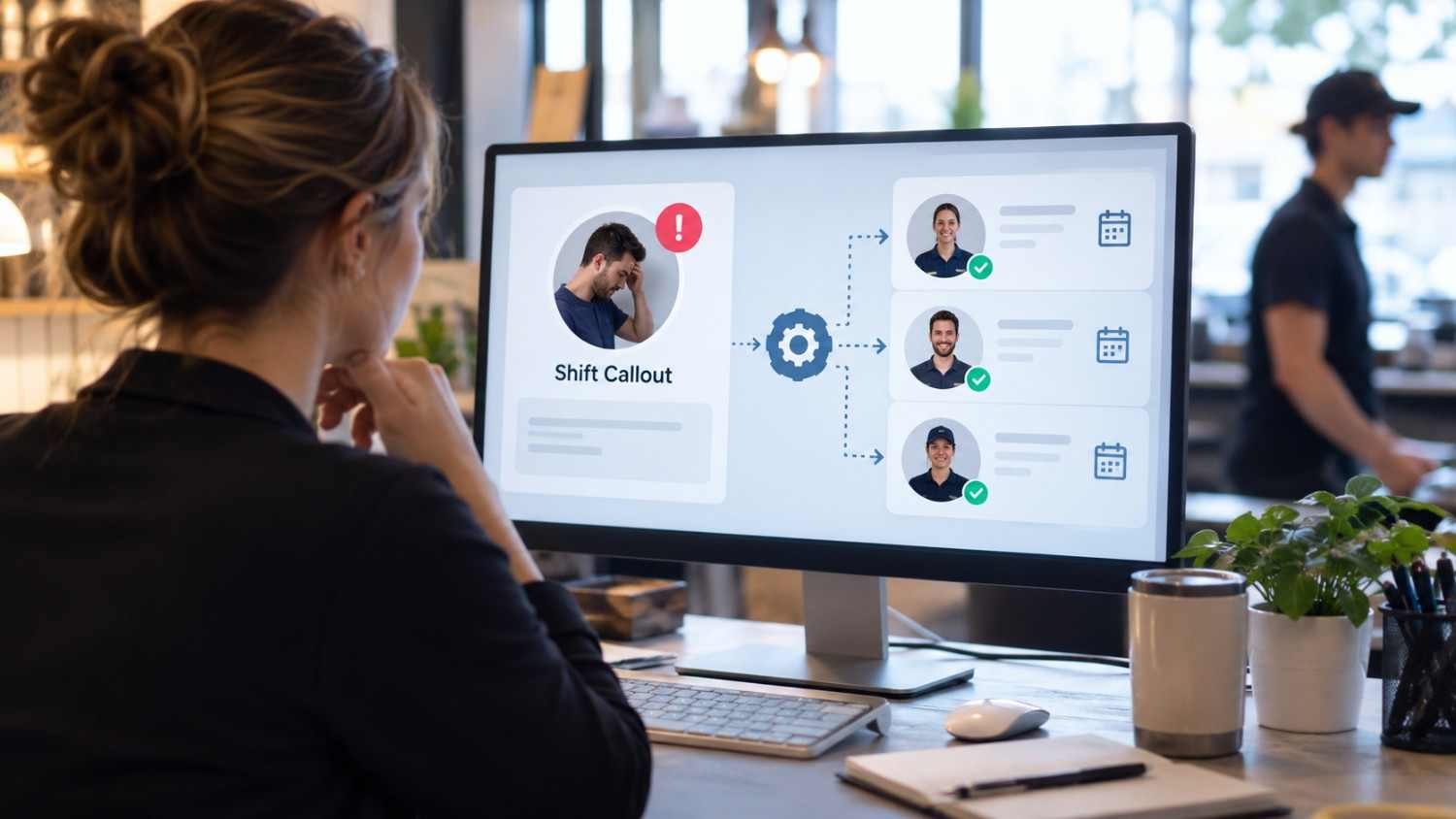
A clear digital trail also makes handoffs easier when supervisors change during a shift, because everyone can see the same coverage status instead of relying on separate messages or verbal updates at a glance.
The next step is identifying employees who could realistically cover the opening. Good workforce software does more than broadcast a message to everyone. It can use availability, existing shifts, qualifications, time off, and expected hours to narrow the pool.
Some systems can also show the wage impact of potential replacements. An employee might already be close to overtime, while another available worker may fit within the labor budget. Seeing those factors before approval helps managers make a decision with more complete information.
This is where real-time workforce management dashboards can become useful. A manager can see staffing gaps, scheduled hours, availability, and other operational information without jumping between separate files or applications.
Matching Availability With Compliance
Availability is only one part of the equation. Workforce software can also account for qualifications, maximum hours, overtime exposure, required rest periods, and other scheduling rules configured by the employer.
Filling a vacancy quickly does not automatically mean filling it correctly. A replacement who lacks required training could create an operational problem, while an assignment that creates unexpected overtime could increase costs.
How Employees Receive Open-Shift Alerts
Once eligible employees are identified, the software can communicate the opening through supported channels such as mobile notifications, text messages, or email. Employees can see details including the shift time, location, and role before deciding whether they want it.
This changes the traditional phone-tree approach. A manager does not necessarily have to contact one employee, wait for a response, then move to the next. The system can reach an eligible group at the same time or follow an employer-defined order.
For teams dealing with changing availability, employee scheduling tools with two way communication can make the process more practical because employees can receive information and respond without scattered messages.
What Happens After Someone Accepts?
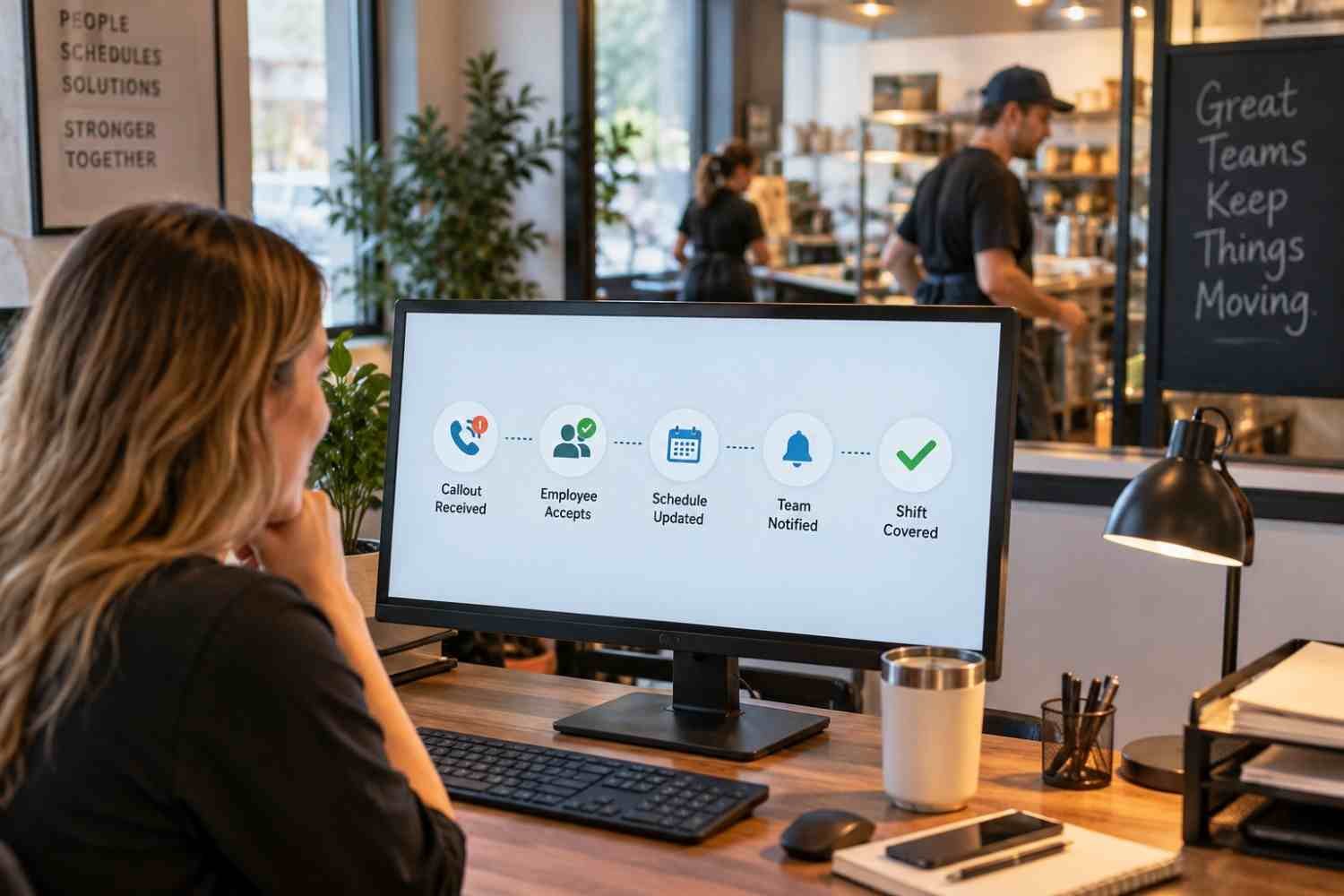
The process is not finished when an employee says yes. The schedule needs to reflect the change, and the right people need to know coverage is confirmed.
Many workforce platforms can update the schedule after a manager approves the replacement. The vacant shift becomes assigned, the employee can see the updated schedule, and supervisors gain a clearer view of coverage. Connected time and attendance systems can use the updated schedule when employees clock in and managers review actual hours.
Why Automation Helps During Busy Shifts
The biggest advantage is not simply speed. It is consistency.
A manager dealing with a callout during a busy lunch period, retail rush, or overnight operation has limited attention to spare. Automated workflows handle repetitive steps while the manager focuses on the decision that requires judgment.
Software is not a substitute for a thoughtful staffing policy. Companies need clear rules about who can claim shifts, when approval is required, how overtime is handled, and what happens when nobody accepts an opening. The technology works best when those expectations are defined.
What to Look For in Workforce Software
When evaluating workforce software for managing last-minute employee callouts, focus on the complete workflow rather than a single feature. The system should make it easy to report an absence, identify an open shift, filter replacements, communicate with employees, approve coverage, and keep the schedule current.
Look closely at qualifications, availability, overtime, notifications, approvals, and audit records. A polished interface is helpful, but the real value comes from whether the software keeps staffing information accurate when plans suddenly change.
FAQs: How Workforce Software for Managing Last-Minute Employee Callouts Works
1. Can workforce software automatically fill a callout?
It can automate much of the process, including identifying eligible employees and notifying them about an open shift. Some systems can assign coverage automatically, while others require manager approval.
2. Does workforce software check employee availability?
Many systems use availability, existing schedules, time off, qualifications, and hour limits to identify employees who may be suitable for an open shift.
3. Can employees accept replacement shifts from their phones?
Yes. Mobile workforce platforms commonly let employees view open shifts and accept, swap, or bid for available work, depending on the software configuration.
4. Does the schedule update after a replacement is approved?
Many systems can automatically update the schedule after approval and connect the change with time and attendance records, reducing manual work.
When a Callout Becomes a Workflow
Last-minute absences will always happen. People get sick, emergencies appear, and plans change with little warning. The difference is how much disruption follows. A manual process can turn one absence into calls, messages, spreadsheet edits, and follow-up questions. A connected workforce system can turn that same event into a defined sequence with clear information at each stage.
That does not mean every decision should be handed to automation. Managers still need to consider team dynamics, employee preferences, customer needs, and unusual circumstances. The strongest setup removes repetitive coordination from their workload, leaving them with better information and more time to make decisions that matter.
Leave a Reply