A field technician who spends 15 minutes calling the office for job history, another 10 filling out paperwork, and 20 minutes driving an avoidable route has lost nearly an hour without doing the work the customer actually requested.
That is the real reason how mobile productivity apps increase efficiency for field staff matters. The biggest gains rarely come from asking technicians to work faster. They come from removing waiting, duplicate data entry, unnecessary trips, missing information, and communication gaps.
For US construction crews, utility technicians, HVAC teams, inspectors, maintenance workers, delivery operations, and other mobile workforces, a well-designed app can turn a phone or tablet into a job file, dispatch center, navigation tool, camera, checklist, and communication channel.
The Real Productivity Problem Is Friction Between Jobs
Field productivity is often measured by completed work orders or billable hours. But those numbers can hide enormous amounts of nonproductive time.
A technician may arrive without the correct equipment information. Another worker may finish a job but wait until evening to enter handwritten notes. A dispatcher may repeatedly call employees asking where they are. Customer signatures may remain on paper until someone brings them back to the office.
Mobile workforce technology closes those gaps by putting information where the work happens.
The US Department of Energy’s guidance on fleet telematics and efficient fleet management explains that telematics can streamline reporting, track vehicle utilization and provide near-real-time GPS information. Although aimed at federal fleets, the operational principle applies broadly: information captured automatically in the field requires less manual reconstruction later.
Paperwork Becomes Part of the Job Instead of a Second Job
Paper forms create work twice. Technicians first record information manually, and someone may later enter the same information into billing, inventory, compliance, CRM, or service-management systems.
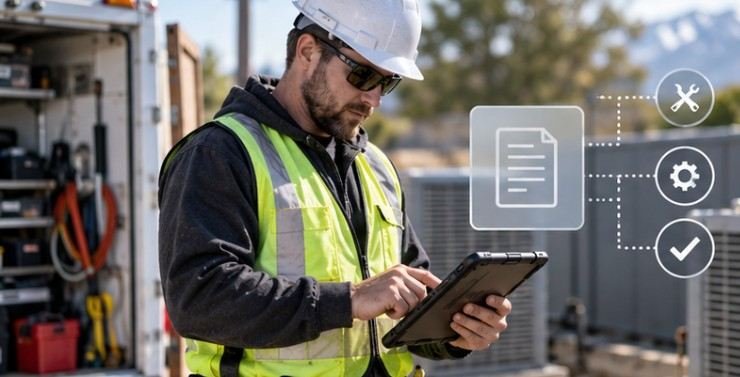
Mobile forms can capture job details once. Photos, timestamps, equipment readings, customer approvals and digital signatures can become part of the work order before the technician leaves the site.
That reduces transcription errors as well as administrative delays. A useful model is:
Traditional workflow: perform job → write notes → return paperwork → enter data → review → invoice.
Mobile workflow: perform job → record data during work → sync → trigger review or billing.
The important improvement is not simply replacing paper with a screen. The app should eliminate a later step.
Offline Capability May Matter More Than Fancy Features
Field crews do not work exclusively in places with strong Wi-Fi or cellular service.
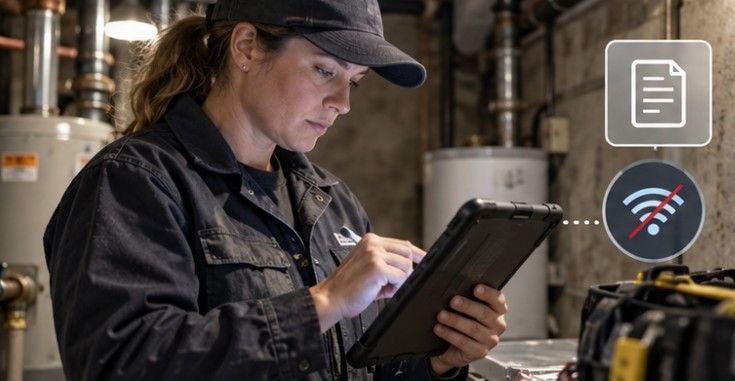
Mechanical rooms, basements, rural properties, warehouses, construction sites and remote infrastructure can all produce unreliable connectivity. An application that becomes unusable without a connection may actually create more delays than it solves.
Offline-first apps allow technicians to access downloaded job information, complete forms, take photos and record notes locally. Changes synchronize once connectivity returns.
Penn State Extension provides a useful real-world example. Its Crop Manager platform introduced mobile field data collection with offline capabilities, allowing users to gather information where reliable connectivity may not exist.
That is a good test for any field application: What can an employee still accomplish when the signal disappears?
If the answer is “almost nothing,” the software may not be designed for real field conditions.
Better Scheduling Cuts the Invisible Cost of Driving
Travel is necessary for many field businesses, but inefficient travel is not.
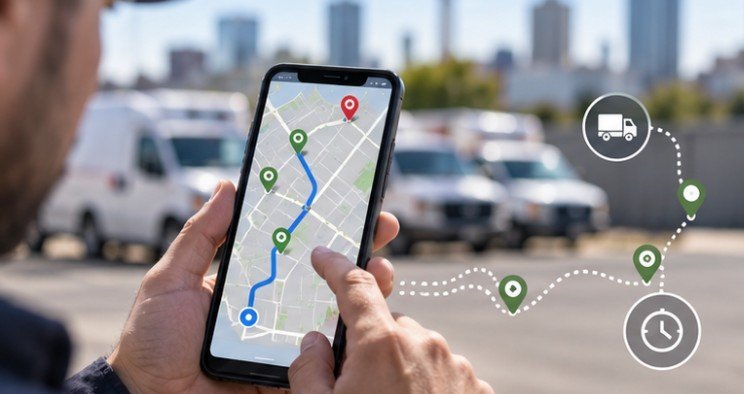
GPS-enabled workforce applications can connect dispatching, technician location, service territories and appointment schedules. Instead of simply assigning the next open worker, organizations can consider location, qualifications, job priority and estimated travel time.
The Department of Energy specifically recommends using GPS and telematics to improve scheduling and routing because better routes can reduce travel time and distance.
Consider two schedules containing six jobs each. Both appear equally productive on paper.
If Schedule A requires 140 miles of driving and Schedule B requires 95 miles while completing the same work, the second schedule creates 45 miles of capacity that can potentially be redirected toward another appointment, reduced overtime or earlier completion.
That is why route optimization should be viewed as workforce productivity technology, not merely navigation.
Technicians Can Carry the Company’s Knowledge With Them
One of the most expensive field delays occurs when the worker reaches the customer but lacks information.
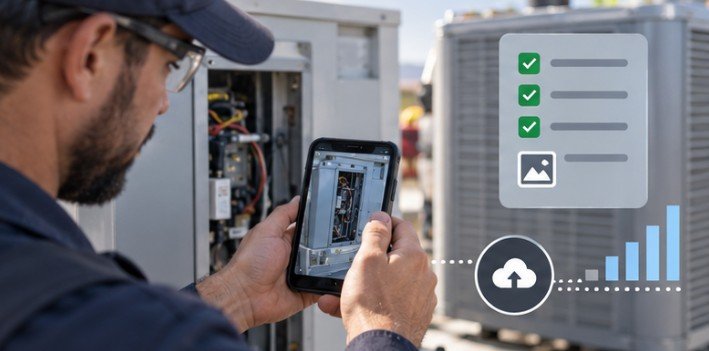
Mobile apps can make equipment histories, previous repairs, customer notes, diagrams, manuals, warranties, parts information and inspection records available at the jobsite.
That changes troubleshooting.
Instead of calling the office to ask what happened during the last visit, the technician can review the service history immediately. Instead of discovering that a component was recently replaced after beginning a diagnosis, that information can appear before work starts.
This also reduces dependence on individual memory. Knowledge remains attached to the customer, asset or work order rather than disappearing when cost of employee turnover is unavailable.
Mobile Apps Can Support Safer Decisions, Too
Efficiency should not mean rushing field workers through hazardous conditions.
Mobile technology can place safety information directly at the point of work. The National Institute for Occupational Safety and Health maintains mobile applications for workplace risks including heat, ladder use, hazardous chemicals, lifting and occupational noise.
OSHA also provides mobile tools and digital resources, including the OSHA-NIOSH Heat Safety Tool, which helps workers assess outdoor heat conditions and appropriate protective actions.
These examples demonstrate a broader principle: the best field applications do not merely capture what employees did. They help workers make better decisions before and during the task.
Where the Efficiency Gains Actually Come From
| Field problem | Mobile capability | Potential operational gain |
| Re-entering handwritten forms | Digital forms and automatic syncing | Less administrative work |
| Missing service information | Centralized job history | Faster diagnosis |
| Excess driving | GPS-assisted dispatch and routing | More productive field time |
| Poor connectivity | Offline data access | Fewer interrupted workflows |
| Repeated office calls | Status updates and messaging | Less coordination time |
| Delayed job documentation | Photos, signatures and timestamps | Faster job closure |
The lesson is important: how mobile productivity apps increase efficiency for field staff depends less on the number of features available and more on whether those features remove a specific operational bottleneck.
A Six-Point Test Before Choosing a Field Productivity App
Before purchasing software, managers should follow one work order from beginning to end and identify where time disappears. Know about Fair Workweek compliance for your business.
Then evaluate the application against six questions:
- Can technicians complete core tasks without reliable internet access?
- Can job information be entered once instead of copied between systems?
- Does the app integrate with scheduling, CRM, inventory or billing systems already in use?
- Can workers retrieve service history and technical information at the jobsite?
- Does routing reduce unnecessary travel rather than simply display a map?
- Can managers measure adoption, completion times, travel time and repeat visits?
A pilot involving a small group of technicians can reveal problems that a software demonstration will never show.
Measure performance before and after deployment. Useful metrics include administrative minutes per work order, jobs completed per technician, miles per job, first-time completion rate, overtime hours and time between job completion and invoicing.
Productivity Apps Also Create New Risks
Giving employees instant access to company data means organizations must protect that access.
The National Institute of Standards and Technology notes that mobile devices provide valuable access to workplace resources but can also expose sensitive information if they are poorly secured. NIST recommends managing mobile security throughout the device lifecycle and considering centralized device management and endpoint protection.
Businesses should therefore consider authentication, remote device management, access permissions, encryption, software updates and procedures for lost or stolen devices.
More technology can also become less productive when employees must jump between several disconnected apps. A technician who uses one platform for scheduling, another for forms, another for messages and another for photos may simply exchange paper clutter for digital clutter. Integration matters more than app count.
FAQs
1. How do mobile apps make field workers more productive?
They reduce manual paperwork, provide job information on-site, improve scheduling, support faster communication and allow workers to document completed work without returning to an office.
2. Why is offline functionality important for field service apps?
Field employees often work where cellular coverage is unreliable. Offline functionality lets them continue accessing information and recording work, then synchronize data when connectivity returns.
3. Can mobile productivity apps reduce travel time?
Yes. Apps that combine scheduling with GPS, technician location and routing can help dispatchers reduce unnecessary mileage and assign jobs more efficiently.
4. What should managers measure after implementing an app?
Track completed jobs, administrative time, miles traveled, overtime, first-time completion rates, repeat visits and how quickly completed jobs reach billing or other downstream systems.
The Best App Should Make Work Disappear
The clearest measure of how mobile productivity apps increase efficiency for field staff is not how often workers open the software. It is how much unnecessary work disappears after they begin using it.
A productive field application should mean fewer phone calls, fewer handwritten forms, fewer unnecessary miles, fewer searches for information and fewer hours spent reconstructing what happened after a job.
Start with one inefficient workflow rather than a long software feature list. Fix that workflow, measure the result and expand from there. The most valuable productivity technology is often the technology that quietly gives field workers their time back.
Leave a Reply