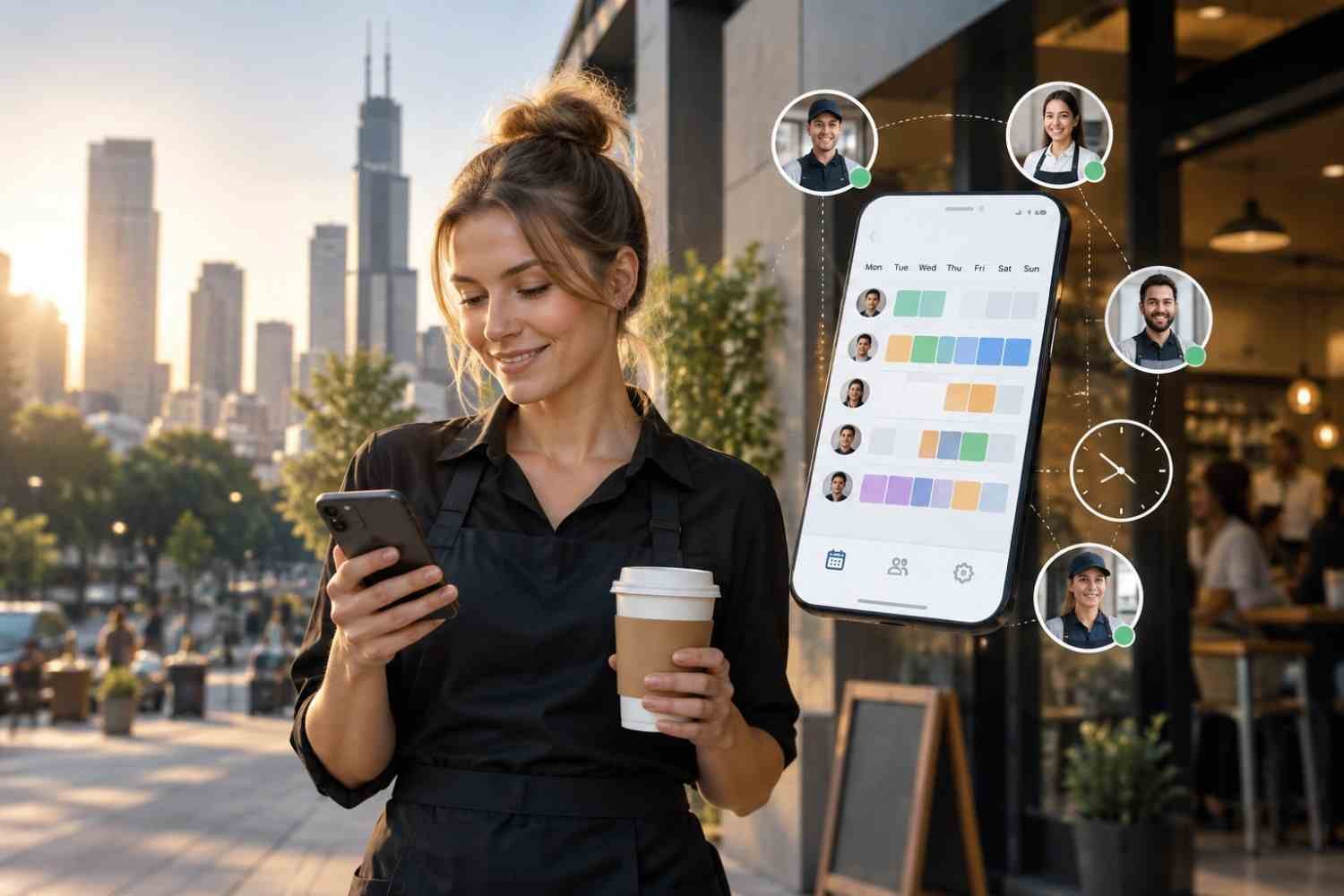
I used to think scheduling was mostly about getting the right names beside the right shifts. Then I noticed how quickly a simple roster could become messy when someone called out, availability changed, or a manager needed to make a last-minute adjustment. A spreadsheet might show the plan, but it could not always keep everyone moving together.
I also realized that employees rarely sit at a desk waiting for schedule updates. They check their phones between tasks, during commutes, or after work. That made me look differently at mobile-first employee scheduling software. The real benefit is not simply putting a schedule on a smaller screen. It is making scheduling accessible and responsive as work changes.
What Makes Scheduling Truly Mobile First?
A mobile-first approach puts the phone at the center of scheduling rather than treating mobile access as an extra feature. Managers can review schedules, respond to requests, and adjust coverage without returning to a desktop. Employees can check shifts, share availability, request time off, and handle eligible shift changes from the same place.
Faster Responses When Schedules Change
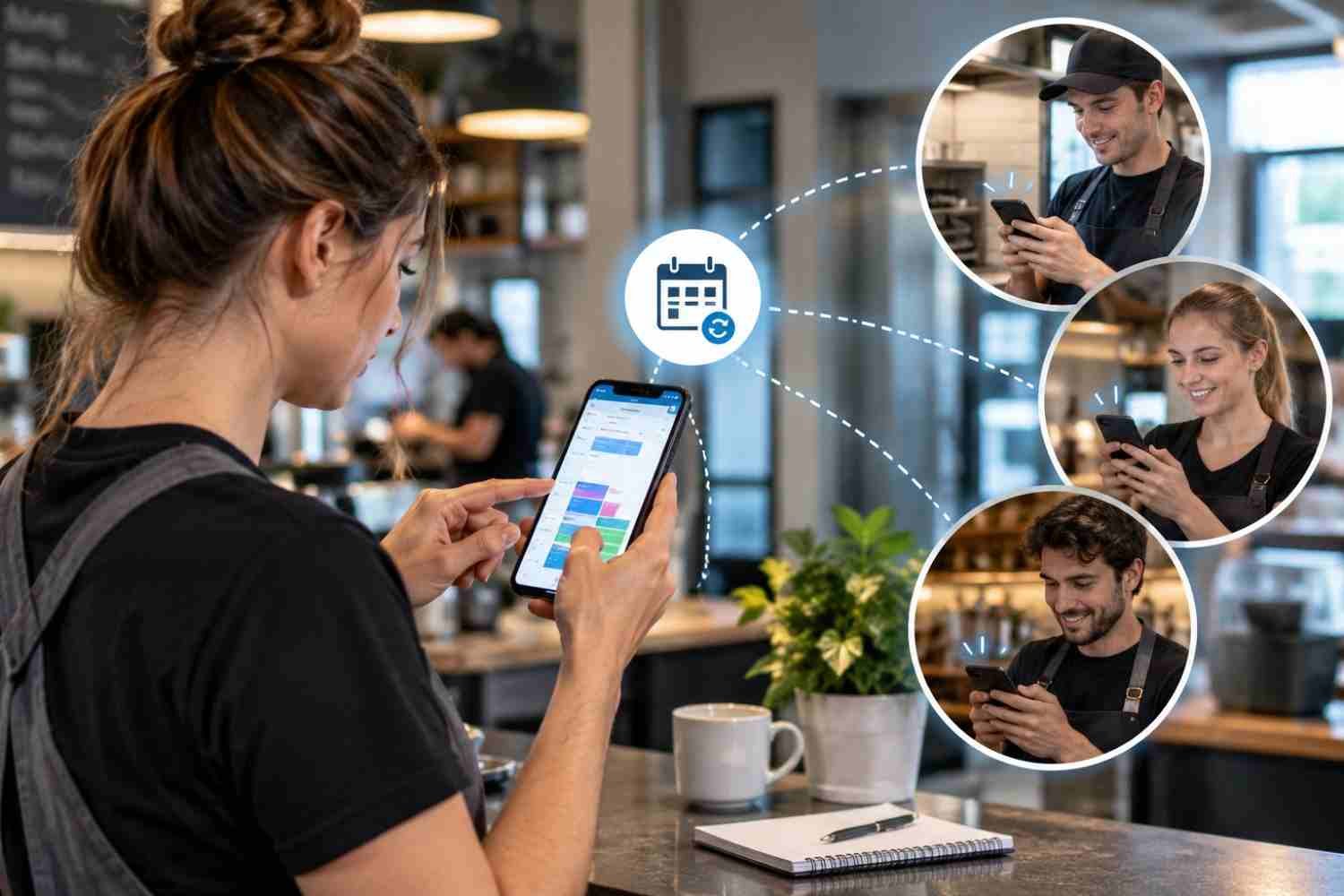
Mobile scheduling software gives managers a faster way to respond. Open shifts can be posted for eligible employees, while notifications can alert workers that coverage is needed. Employees can then request available shifts through their phones instead of waiting for a manager to contact people individually.
The difference is practical. A coverage problem becomes a visible scheduling task rather than a chain of phone calls and messages. That matters most when schedules change, and staffing gaps need quick, visible responses.
Employees Can Handle More of Their Own Scheduling
Self-service is one of the biggest changes mobile scheduling brings to the workplace. Employees can enter availability, submit time-off requests, view upcoming shifts, and request swaps or open shifts. Those requests can still require manager approval, so greater access does not have to mean less control.
Someone may have a class, appointment, family commitment, or another responsibility that affects when they can work. Updating that information from a phone is easier than waiting until they reach a computer.
The same principle applies to shift swaps. Instead of finding a coworker through a group chat and hoping a manager sees the conversation, employees can initiate a formal request within the scheduling system.
Managers Get Better Control Without Being Tied to a Desk
Managers often spend less time creating schedules than fixing them. A mobile-first system helps with the second part. When a schedule needs attention, managers can see requests, review coverage, and make adjustments while working on the floor or moving between locations.
Mobile access also supports clearer communication. Instead of sending an update through one channel and hoping everyone sees it, the schedule itself becomes the shared reference point.
Where Automation and AI Fit
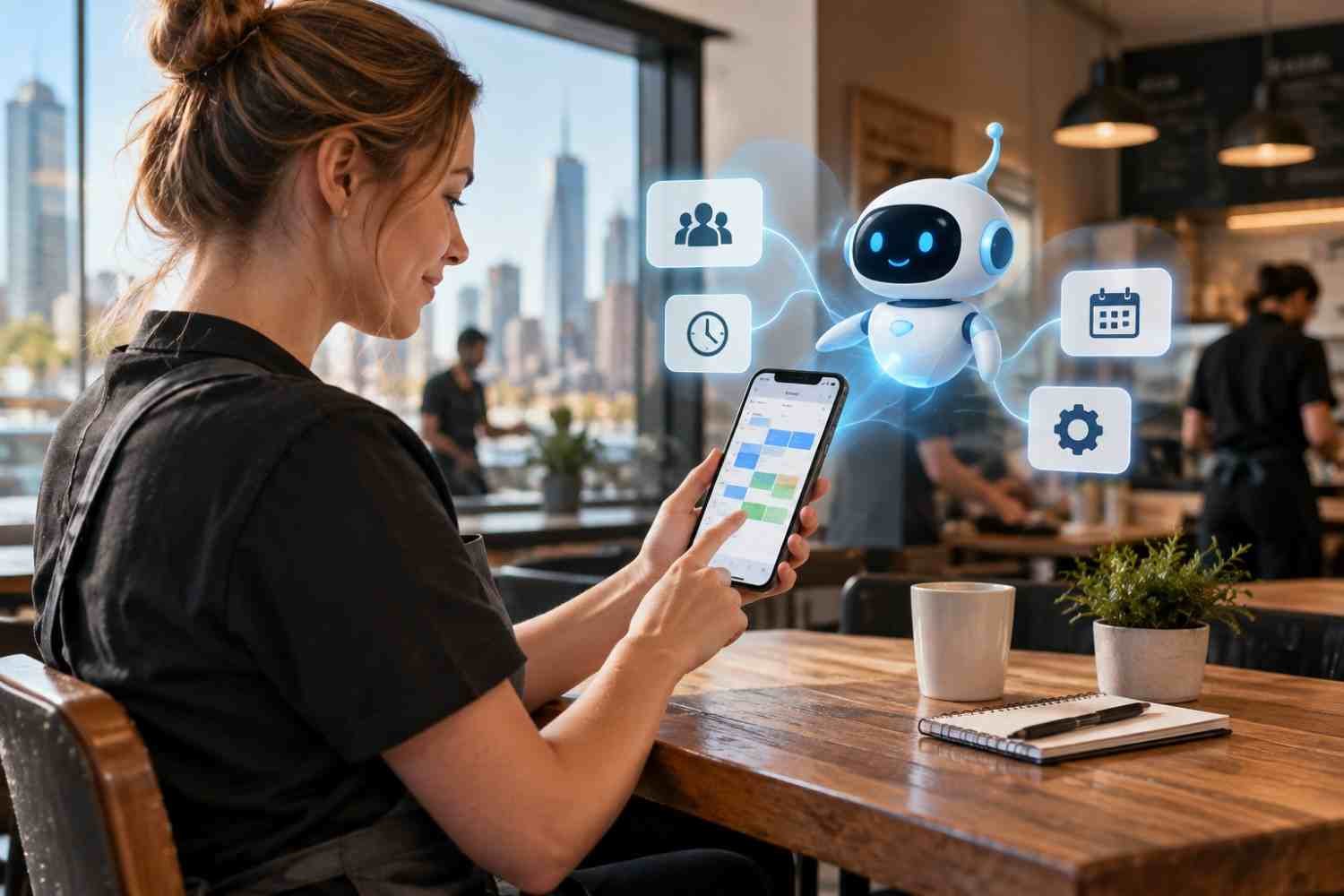
Mobile access solves the access problem, while automation can reduce the manual decision-making behind the schedule. Scheduling systems can use availability, skills, preferences, staffing requirements, and labor rules to identify conflicts or suggest assignments. Some platforms also use AI-based forecasting to connect expected demand with staffing needs.
For businesses trying to reduce repetitive administrative work, AI employee scheduling tools for modern businesses can complement a mobile-first workflow. Automation can help managers spend less time comparing spreadsheets and more time reviewing recommendations that require judgment.
A scheduling system should support managers, not blindly replace their decisions.
Fewer Errors and Better Workforce Visibility
Manual scheduling creates opportunities for small mistakes. Someone may be assigned during unavailable hours, two shifts may overlap, or an employee may accidentally exceed a planned limit. A connected scheduling platform can apply rules and surface potential conflicts before the schedule is finalized.
It can also connect scheduling with time and attendance, giving managers a clearer picture of planned hours versus actual hours. That visibility can help teams monitor coverage, overtime, requests, and schedule changes without piecing information together from different systems.
Choosing Software That Works Beyond the Phone
A polished mobile interface is useful, but it should not be the only buying criterion. The underlying scheduling system matters just as much. Look for real-time synchronization, simple employee workflows, approval controls, reliable notifications, and integrations with payroll or timekeeping systems.
For teams dealing with repetitive scheduling tasks, AI tools for reducing manual scheduling work can add efficiency when connected to accurate workforce data. The strongest setup combines mobile accessibility, automation, and clear human oversight rather than treating any one feature as a complete solution.
FAQs: How Mobile First Employee Scheduling Software Improves Scheduling
1. Can employees change their schedules from a phone?
Usually, yes. Depending on company settings, employees may view shifts, submit availability, request time off, swap shifts, or request open shifts. Manager approval can still be required.
2. Does mobile scheduling reduce no-shows?
It can reduce communication gaps by giving employees timely access to schedules and updates. Reminders and real-time notifications can also make changes harder to miss.
3. Can managers schedule employees from anywhere?
Yes. Mobile scheduling apps can let authorized managers review schedules, respond to requests, and make updates away from a desktop, depending on the software.
4. Is AI necessary for mobile scheduling?
No. Mobile access can improve scheduling on its own. AI and automation become useful when they help identify conflicts, forecast staffing needs, or reduce repetitive scheduling work.
Why Better Scheduling Starts With Better Access
Scheduling is rarely about producing a roster once and leaving it alone. It is an ongoing process of balancing availability, coverage, employee preferences, operational demands, and unexpected changes. When that process is available where people actually work and communicate, scheduling becomes easier to maintain. The right tools give managers visibility when decisions need to be made and employees a clearer way to participate without turning every adjustment into another conversation.
The strongest systems make scheduling feel less like paperwork and more like a shared operational process. A phone cannot solve every staffing challenge, but giving the right people timely access to the right information can remove a surprising amount of friction from the workday.
Leave a Reply