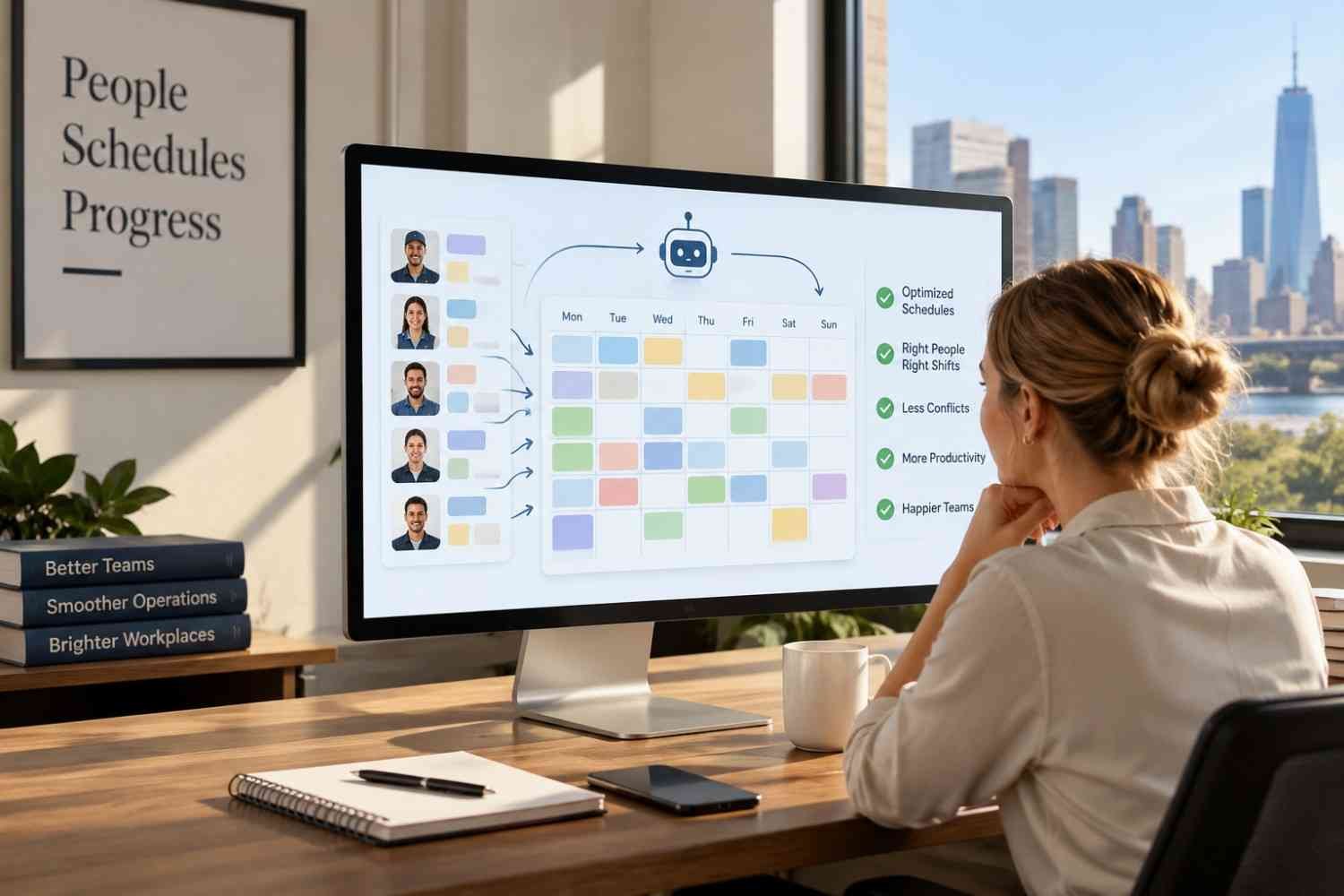
I used to think employee scheduling was mostly a matter of filling empty boxes on a calendar. Then I saw how quickly one absence, availability change, or late shift swap could throw an otherwise neat roster off balance. What looked simple at first became a daily exercise in checking hours, coverage, skills, and employee preferences.
I also noticed that the real headache was keeping a published schedule accurate. Automated shift assignment software compares workforce information with staffing needs, applies scheduling rules, and helps managers make adjustments without rebuilding everything.
Why Manual Shift Assignment Becomes Difficult
Manual scheduling can work for a small team with predictable hours. The problem grows with multiple locations, rotating shifts, part-time employees, different skill requirements, or frequent changes. A manager may need to check availability, time off, maximum hours, qualifications, and expected demand before assigning a shift.
That creates room for simple mistakes. Someone may be scheduled when unavailable, assigned too many hours, or overlooked for a shift they could cover. Managers can also spend time moving people around after a call-out or demand spike.
Automating those checks does not remove the manager from the process. Instead, it gives the manager a stronger starting point and makes routine decisions faster.
How Automated Shift Assignment Software Works
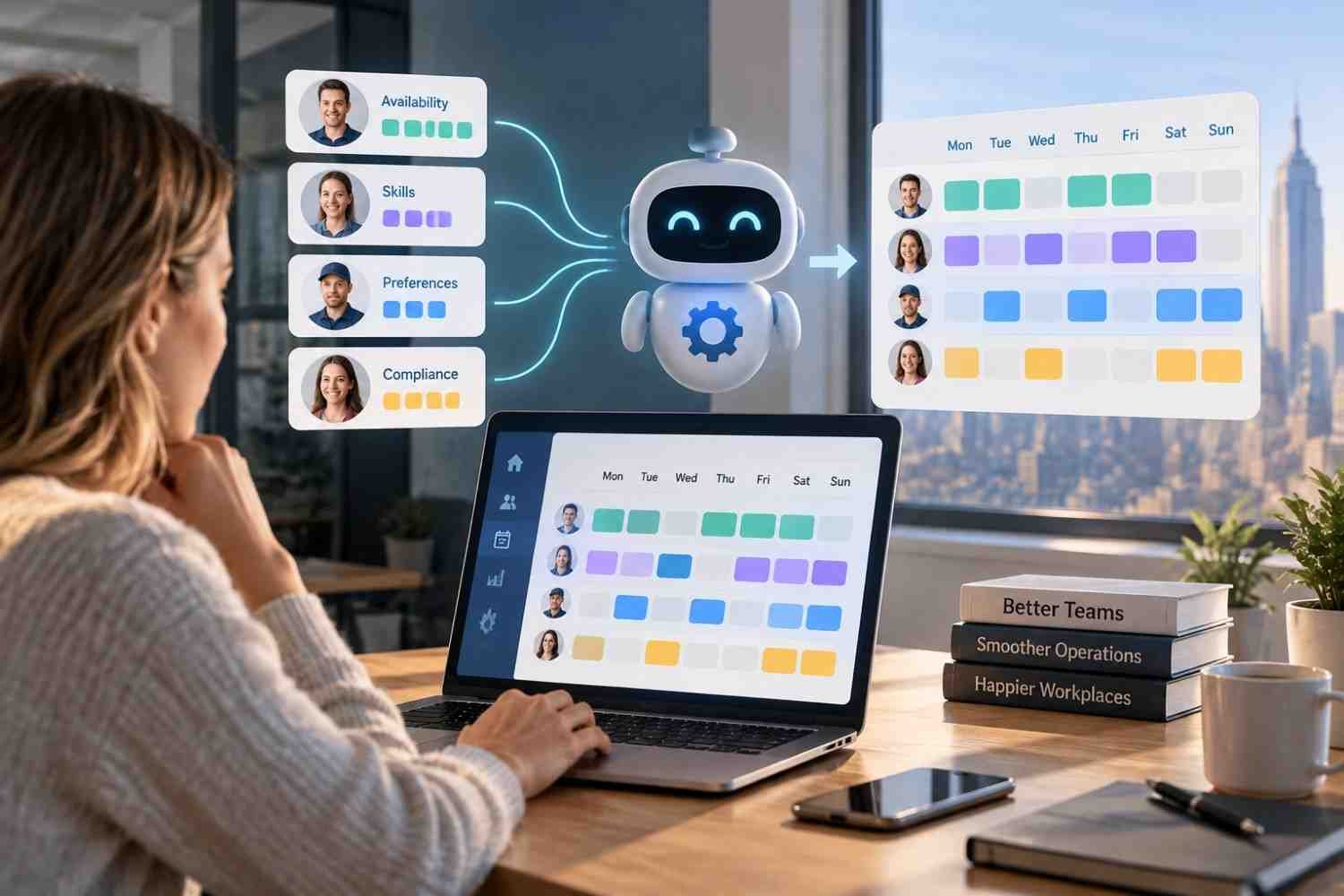
The basic process starts with workforce data. The system can consider employee availability, roles, qualifications, scheduled hours, time-off requests, and other rules. It compares that information with shifts needing coverage.
An advanced system can use demand information. Historical sales, traffic patterns, and other operational data can estimate how many employees may be needed at particular times. The schedule can then reflect expected workload instead of relying on guesswork.
The result is a schedule built around several constraints at once. Managers can review assignments, make exceptions, and publish the roster.
Matching People to the Right Shifts
The biggest practical advantage is matching employees to shifts using more than availability. A shift may require a certification, role, experience level, or location access. Automated assignment can check those requirements before placing someone on the schedule.
Employee preferences can also matter. Preferred hours and unavailable days can become part of the scheduling logic, reducing unnecessary back-and-forth between employees and managers.
Good scheduling is about coverage. If one busy period needs more staff while another needs fewer, automation can distribute labor around actual demand without forcing a manager to rebuild every shift.
Fewer Conflicts and Better Labor Control
Scheduling software can flag potential conflicts before a roster is published. Depending on its rules, it may identify excessive hours, overlapping assignments, insufficient rest, overtime exposure, or missing qualifications.
Software does not automatically guarantee legal compliance. Requirements vary by jurisdiction, industry, employee status, and company policy, so managers still need appropriate rules and review.
Cost control is another useful part of the process. When scheduling data includes hourly rates and projected staffing needs, time tracking tools connected to employee schedules, managers can see how assignments affect labor spending and adjust before publishing.
Making Schedule Changes Less Painful

A schedule rarely stays unchanged. Employees get sick, plans change, customers arrive unexpectedly, and open shifts appear.
Automated shift assignment software can make those moments easier to manage. Qualified employees can be notified about open shifts, while swaps or availability changes can move through a central system. Rules can be checked before approval, reducing the risk of creating another coverage problem.
This helps managers who would otherwise rely on texts, calls, spreadsheets, and separate calendars. Keeping changes in one place also gives employees a clearer view of what they are expected to work.
Connecting Scheduling With Time and Payroll
Scheduling becomes much more useful when it connects with the systems that record actual hours. A planned shift shows what should happen. Time data shows what happened.
Businesses evaluating can compare scheduled hours with clock-in and clock-out records. Variances can reveal late arrivals, early departures, missed punches, or unexpected overtime, supporting accurate payroll and staffing decisions.
The same principle applies to payroll workflows. Businesses looking at workforce management tools for accurate payroll data should consider whether scheduling, attendance, employee records, and payroll can share information instead of requiring repeated manual entry. Connected systems reduce mismatched records and make payroll data easier to trace.
FAQs: How Automated Shift Assignment Software Simplifies Scheduling
1. What is automated shift assignment software?
It is scheduling software that uses workforce information and business rules to assign employees to open shifts. Depending on the platform, it can consider availability, qualifications, preferences, staffing demand, hours, and labor constraints.
2. Can automated scheduling prevent overtime?
It can help identify potential overtime by considering hours already scheduled or worked. However, results depend on accurate data, properly configured rules, and manager oversight.
3. Does automated scheduling work for small businesses?
Yes. Small businesses can use scheduling automation to reduce repetitive work, manage availability, fill open shifts, and keep employees informed. The useful features will depend on team size and scheduling complexity.
4. Can scheduling software connect with payroll?
Many workforce platforms offer integrations with time tracking and payroll systems. This can reduce duplicate data entry and help payroll teams work from more consistent attendance records.
Building a Schedule That Holds Up
The real value of automation is not simply producing a roster faster. It is creating a scheduling process that can respond when real workplaces refuse to follow the original plan. When availability changes, demand moves, or an employee calls out, managers need information and options quickly. A connected scheduling system can turn those changes from a scramble into a manageable adjustment.
That makes automation less about replacing judgment and more about giving managers better information. A thoughtful schedule still needs human oversight, but fewer repetitive checks leave more time for the people and operational decisions that scheduling is supposed to support.
Leave a Reply