Category: Tools and Software

  • How Time Tracking Tools Connected to Employee Schedules Work

    How Time Tracking Tools Connected to Employee Schedules Work

    I started noticing how often a work schedule and a timesheet can tell two different stories. A shift might be planned from 9 a.m. to 5 p.m., yet the employee could arrive late, leave early, stay longer, or forget to clock out. Looking at those records separately makes a simple question surprisingly hard to answer: what hours were actually worked?

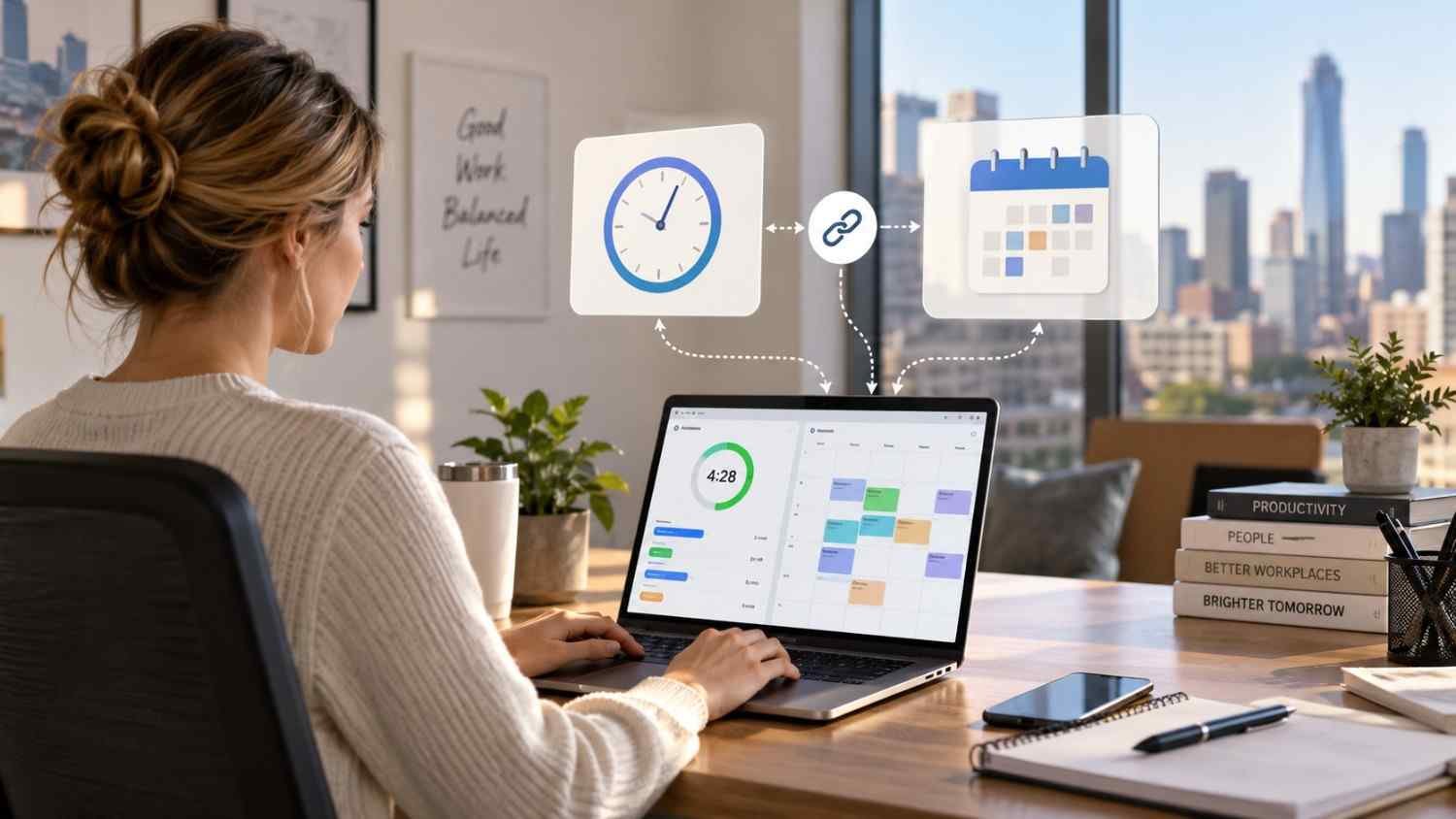
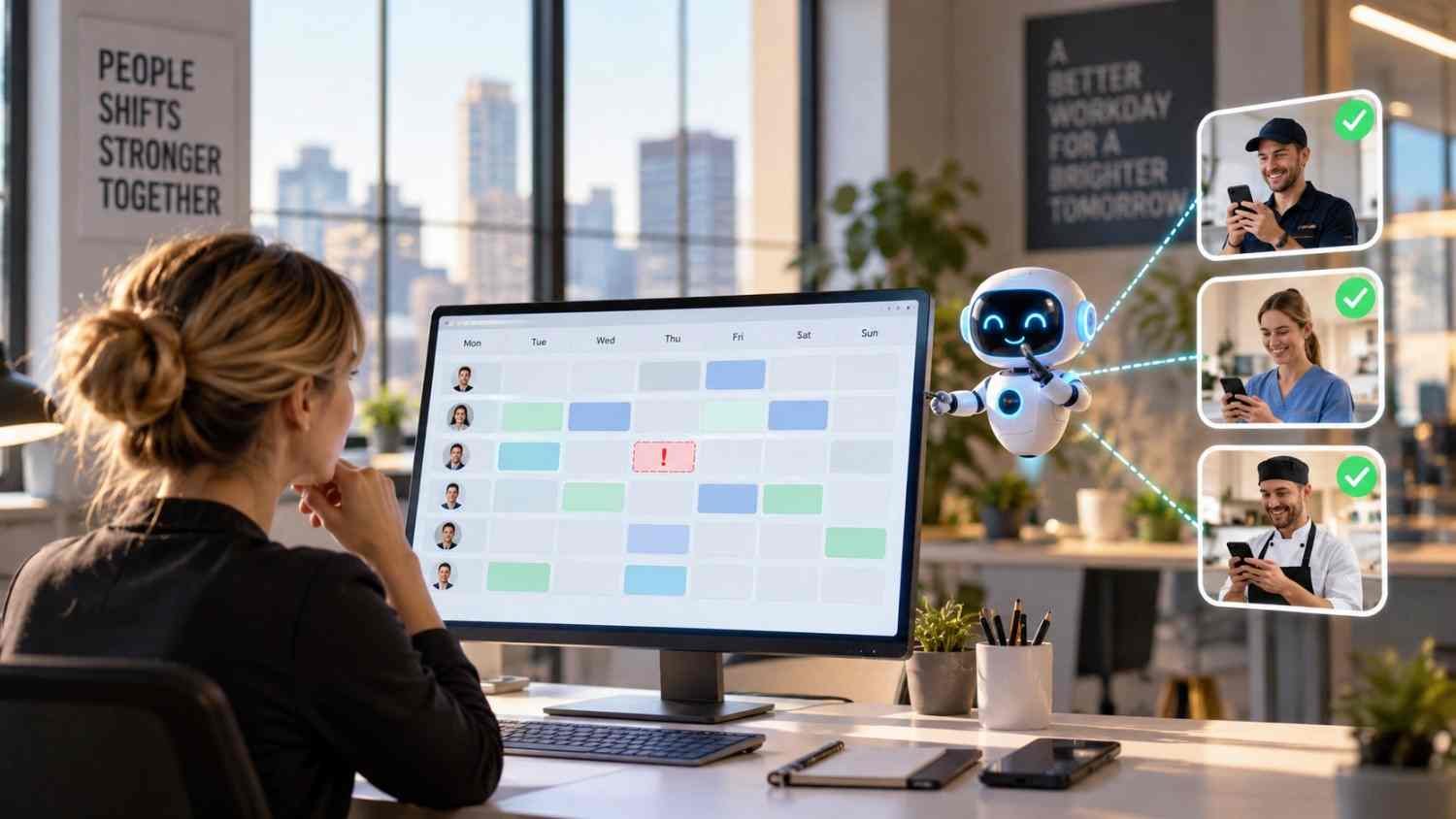
    I also found that connecting schedules with time tracking changes that process. Instead of treating the schedule as a plan and the timecard as a separate record, the system can compare them as work happens. That creates a clearer picture for managers, employees, and payroll teams without making every small difference a manual task.

    What Does It Mean to Connect Time Tracking With Employee Schedules?

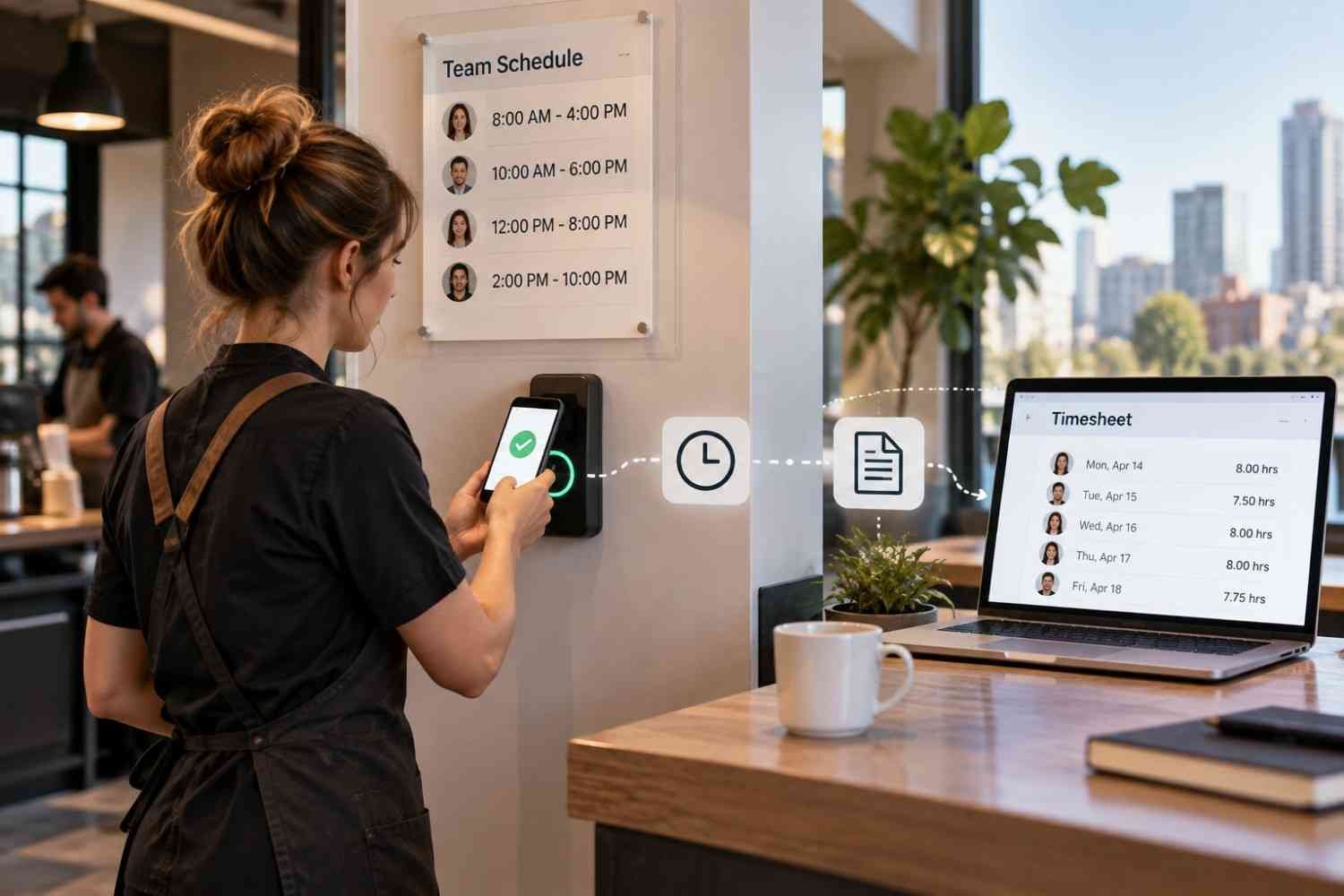
    At its simplest, the connection links planned shifts with actual attendance records. A manager creates a schedule with start times, end times, locations, roles, and other relevant details. Employees then clock in and out through a mobile app, web portal, kiosk, or time clock.

    The system already knows what each employee was supposed to work. When the employee records time, it can compare the two records and identify differences. That might mean a late arrival, an early departure, an extended shift, or hours worked outside the planned schedule.

    How the Connection Works From Shift to Timesheet

    How the Connection Works From Shift to Timesheet

    1. The schedule creates the baseline

    Everything begins with the employee schedule. Once shifts are assigned, relevant information can flow into the time tracking system. Depending on the software, that may include the employee, shift, location, job role, and scheduled hours.

    2. Employees record actual time

    When the shift begins, employees clock in using the method their employer provides. For a desk-based team, that could be a web browser or shared terminal. For mobile or distributed workers, an app may make more sense.

    Some systems can apply rules around when and where employees can clock in. A business might restrict early clock-ins or use location-based controls for specific roles and worksites. These settings vary by employer and should reflect legitimate operational and privacy requirements.

    3. The system compares planned and actual hours

    This is where the connection becomes particularly useful. Suppose someone is scheduled for 9 a.m. to 5 p.m. but clocks in at 9:12 and clocks out at 5:18. The system can record the actual time and highlight the difference from the planned shift.

    Managers can then see exceptions instead of manually comparing every timecard with the schedule.

    4. Exceptions receive attention

    A connected platform can flag missed punches, late starts, early departures, extended shifts, or potential overtime. Alerts may also remind employees to clock in or prompt managers when an expected attendance event does not occur.

    This does not mean every flagged difference is an error. An employee may have stayed late because a customer needed help, for example. The value is that the system brings the discrepancy forward so someone can check the reason.

    Why Scheduled Hours and Actual Hours Belong Together

    Keeping scheduling and time tracking connected gives managers more useful labor information. A schedule shows the staffing plan. Time records show what happened. Looking at both together reveals where the plan and reality diverged.

    That visibility can support payroll preparation, attendance management, overtime control, and labor planning. For businesses still relying heavily on manual spreadsheets, connected systems can reduce duplicate entry and outdated schedules. They can also provide a more practical path toward modern alternatives to spreadsheet employee scheduling without forcing managers to rebuild their workflow around separate tools.

    Where Mobile Access Fits

    Where Mobile Access Fits

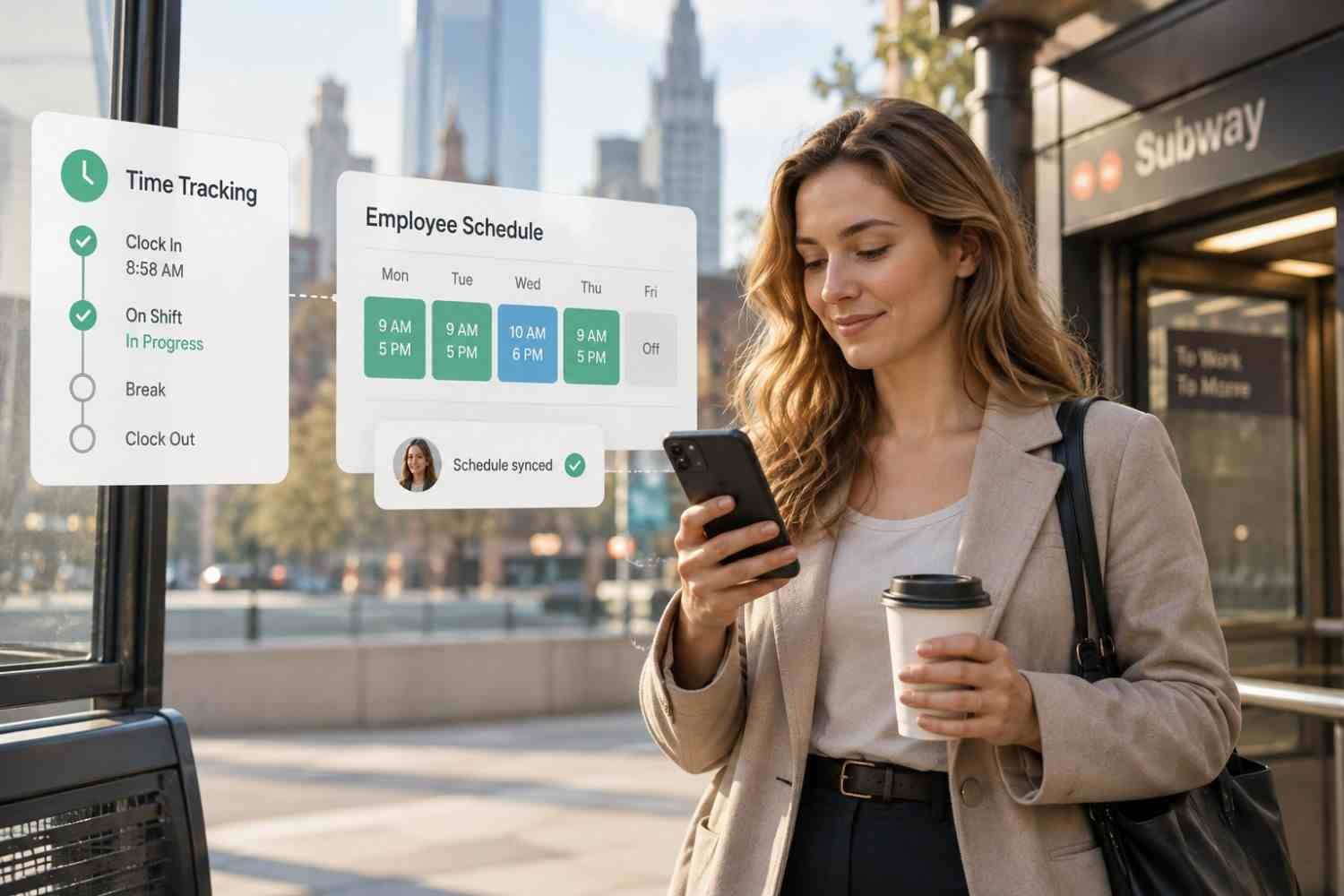
    Mobile functionality is useful for teams that are not sitting at computers all day. Employees may need to check a shift, clock in, review hours, request time off, or respond to schedule changes from their phones.

    That makes mobile-first employee scheduling software relevant when scheduling and time tracking need to work together rather than operate as separate administrative tasks.

    What Happens Before Payroll?

    After a shift ends, recorded hours may need review and approval. The system can organize time records alongside the schedule and highlight unresolved exceptions before those hours move into payroll.

    Payroll rules may account for overtime, breaks, different pay rates, or other workplace requirements. Exact calculations depend on the employer, jurisdiction, applicable agreements, and payroll configuration. Once records are approved, integrated systems can transfer relevant information to payroll software, reducing manual re-entry.

    What Should Businesses Look For?

    Several capabilities are worth checking:

    • Schedule-to-timesheet comparison, so managers can see planned versus actual hours.
    • Flexible clock-in options, including mobile, web, kiosk, or physical time clocks.
    • Overtime and attendance alerts that surface exceptions before payroll problems grow.
    • Payroll integrations that reduce duplicate entry and support approved time exports.

    It is also worth checking permissions, reporting, employee self-service, break settings, and how easily managers can change a shift without creating conflicting records.

    FAQs: How Time Tracking Tools Connected to Employee Schedules Work

    1. Can time tracking automatically compare scheduled and actual hours?

    Yes. The scheduled shift provides a baseline and recorded clock-in and clock-out times provide actual hours. Differences can then be flagged for review.

    2. Can employees clock in from a phone?

    Many platforms support mobile clock-ins. Some also offer location-based features, although availability and employer settings vary.

    3. Does connected time tracking replace payroll software?

    Usually, no. Time tracking generally prepares or transfers approved hours, while payroll software handles wage calculations, taxes, deductions, and payroll processing.

    4. Why connect scheduling and time tracking?

    The connection gives managers context around recorded hours. Instead of reviewing schedules and timesheets separately, they can identify discrepancies, approve exceptions, and prepare payroll data.

    Why Better Connections Make Work Easier

    The real benefit of connecting schedules with time tracking is not simply having another dashboard. It is having the right information meet at the right moment. A schedule sets expectations, a time record captures reality, and the connection helps managers understand the difference without chasing paperwork.

    For hourly teams, that shift can make everyday administration less fragmented. When schedules, attendance, approvals, and payroll data stay connected, managers spend less time matching records and more time dealing with exceptions that actually need attention. The goal is not to remove human judgment from scheduling, but to give people cleaner information when decisions about hours, coverage, and payroll need to be made.

  • Workforce Management Software With Open API: Smarter Systems, Better Control

    Workforce Management Software With Open API: Smarter Systems, Better Control

    Choosing workforce software today is not just about finding a tool for scheduling or time tracking. US businesses increasingly need platforms that can share data with payroll, HR, finance, analytics, and other systems without creating extra manual work. That is where workforce management software with open API access becomes important.

    I see the biggest advantage in how much flexibility it gives a company. Instead of depending only on prebuilt integrations, businesses can connect employee records, schedules, timesheets, labor costs, and reporting data in ways that match their own workflows. In this guide, I will compare leading API-enabled workforce platforms and explain the features US organizations should review before making a choice.

    What Does an Open API Do in Workforce Management?

    A workforce management API allows authorized external applications to exchange information with a WFM platform.

    That information can include employee records, schedules, shifts, clock punches, timesheets, leave, availability, payroll information, labor costs, forecasts, and other workforce data.

    For example, a US retailer could connect its HRIS with its scheduling platform, so newly hired employees automatically appear in the correct location. Approved time records could then flow to payroll, while labor data could feed a business intelligence dashboard.

    The result is less manual administration and more consistent information across systems.

    Which Workforce Management Platforms Offer Strong API Capabilities?

    Several established WFM platforms provide documented APIs, although their functionality and access models differ.

    Is Workforce.com a Good Choice for Shift-Based Teams?

    Is Workforce.com a Good Choice for Shift-Based Teams?

    Workforce.com is particularly relevant to organizations managing hourly and shift-based employees.

    Its documentation shows API functionality for importing demand data and connecting workforce information with external tools. Workforce.com also documents using its API with Microsoft Power BI, including bearer-token authentication and schedule endpoints. Its US integration library includes systems such as Paychex, Workday, and ADP Workforce Now.

    This makes the platform worth considering for US retail, hospitality, service, and other organizations where schedules, labor demand, timesheets, and reporting need to work together.

    How Does UKG Pro WFM Support Enterprise Integrations?

    UKG Pro WFM targets larger and more complex workforce environments.

    The UKG Developer Hub identifies developer resources covering punches, shifts, scheduling, accruals, and time data. UKG also supports event-driven webhooks within its broader Pro platform, which can help organizations create workflows that react when workforce information changes.

    For large US employers operating across departments, locations, or business units, this depth can be valuable when WFM data must connect with payroll, HR, finance, and enterprise systems.

    What Can Businesses Access Through the Dayforce API?

    Dayforce combines workforce management with broader HCM and payroll functionality.

    Its current REST web services documentation supports access to WFM information, including employee availability, schedules, time-away records, clock entries, raw punches, and employee pay summaries. Dayforce also documents REST services through an OpenAPI specification, giving development teams a structured way to build integrations.

    That combination makes Dayforce relevant to organizations that want workforce operations and payroll-related data to remain closely connected.

    Why Is Deputy Popular for Custom Workforce Integrations?

    Deputy provides a documented RESTful public API that uses JSON and OAuth 2.0. Its documentation also supports webhooks for many workforce events.

    Developers can work with employee data, schedules, timesheets, leave, availability, roster changes, and shift swaps. Deputy’s webhooks can alert another application when a timesheet changes instead of forcing that system to constantly request new data.

    This flexibility can suit US restaurants, retailers, franchises, and multi-location businesses that need near-real-time scheduling and time-tracking integrations.

    Is Assembled Better for Contact Center Workforce Management?

    Is Assembled Better for Contact Center Workforce Management?

    Assembled takes a more specialized approach because it focuses on workforce management for customer-support organizations.

    Its REST API can send information to Assembled and retrieve information from the platform. The documentation includes forecasts, reports, staffing requirements, and adherence reporting. Forecast data can also be organized around channels such as phone, email, SMS, social, and chat.

    For US contact centers and support organizations, those capabilities can be more relevant than traditional retail-oriented scheduling functionality.

    What API Features Should US Businesses Compare?

    API availability should only be the beginning of the evaluation.

    I would first examine the documentation. A useful developer portal should clearly explain endpoints, authentication, request formats, available objects, errors, versioning, and limitations.

    REST API support is another common consideration because REST-based services work with widely adopted web technologies. However, businesses should focus more on what the endpoints can actually accomplish than on the REST label itself.

    Webhooks are especially useful for real-time workforce automation. Instead of repeatedly checking whether something changed, another system can receive an event when a schedule, employee record, timesheet, or other supported resource changes.

    Organizations should also confirm whether an API supports both reading and writing information. A read-only API may work for analytics but may not be enough for automated employee onboarding, schedule creation, or data synchronization.

    Can WFM APIs Connect Payroll, HRIS, ERP, and Analytics Tools?

    Yes, and this is where API-enabled workforce technology becomes especially valuable.

    An HRIS integration can synchronize employee records and organizational changes. Payroll integration can transfer approved hours, time records, and related workforce data. ERP connections can combine labor information with financial and operational systems. These connections can also support managing shift availability by keeping scheduling data aligned with employee records, availability changes, and operational requirements.

    Businesses can also move workforce data into analytics platforms to examine labor costs, attendance, staffing coverage, overtime patterns, and productivity alongside other business metrics.

    For US employers with operations across several states or locations, centralizing this information can make workforce administration considerably easier.

    Open API or Native Integration: Which Should You Choose?

    Native integrations are usually simpler when the connection you need already exists. A prebuilt payroll or HR integration can reduce development work and shorten implementation time.

    APIs provide greater flexibility.

    They become useful when a company uses proprietary software, specialized industry platforms, custom reporting systems, or workflows that a standard integration cannot support.

    In practice, I prefer platforms that offer both. Native integrations handle common requirements quickly, while API access provides room for future customization.

    How Do I Choose the Right WFM Platform With API Access?

    How Do I Choose the Right WFM Platform With API Access?

    Start with the workflow rather than the software name.

    Determine which systems need to communicate and which workforce records must move between them. Then identify whether data must update in real time or whether scheduled synchronization is enough.

    You should also ask whether API access costs extra, requires an enterprise plan, comes with rate limits, provides a sandbox environment, supports secure authentication, and includes developer assistance.

    A platform with hundreds of endpoints is not automatically better. The right API is the one that exposes the specific employee, scheduling, attendance, payroll, forecasting, or reporting data your business needs.

    Frequently Asked Questions (FAQs)

    1. What is workforce management software with open API?

    Workforce management software with open API access allows authorized external applications to interact with workforce information programmatically. Depending on the platform, businesses may connect employee scheduling, payroll, HRIS, ERP, analytics, time tracking, and custom applications.

    2. What workforce data can an API usually access?

    Depending on the vendor, developers may be able to access employee profiles, shifts, schedules, clock-ins, timesheets, leave, availability, locations, departments, accruals, labor costs, forecasts, or adherence data.

    3. Are public APIs and REST APIs the same thing?

    No. REST describes an API architecture, while “public” refers to how broadly the API is made available. A REST API can still have restricted access, so buyers should verify the vendor’s access requirements.

    4. Why are webhooks important in workforce management?

    Webhooks allow connected applications to respond when supported workforce events occur. This can create faster integrations without continuously polling the workforce platform for new information.

    Final Thoughts

    When I evaluate workforce technology today, I look beyond scheduling and time tracking. The platform must also fit into the organization’s wider HR and operations ecosystem.

    Workforce.com, UKG Pro WFM, Dayforce, Deputy, and Assembled address different workforce environments, so there is no universal choice for every US company. The important step is matching documented API capabilities with the workflows your organization actually needs.

    A well-designed integration strategy can connect employee scheduling, payroll, HRIS, ERP, workforce analytics, and custom systems while reducing repetitive administrative work. That flexibility becomes increasingly important as an organization adds employees, locations, systems, and more complex workforce processes.

  • AI Tools for Reducing Manual Scheduling Work Without the Hassle

    AI Tools for Reducing Manual Scheduling Work Without the Hassle

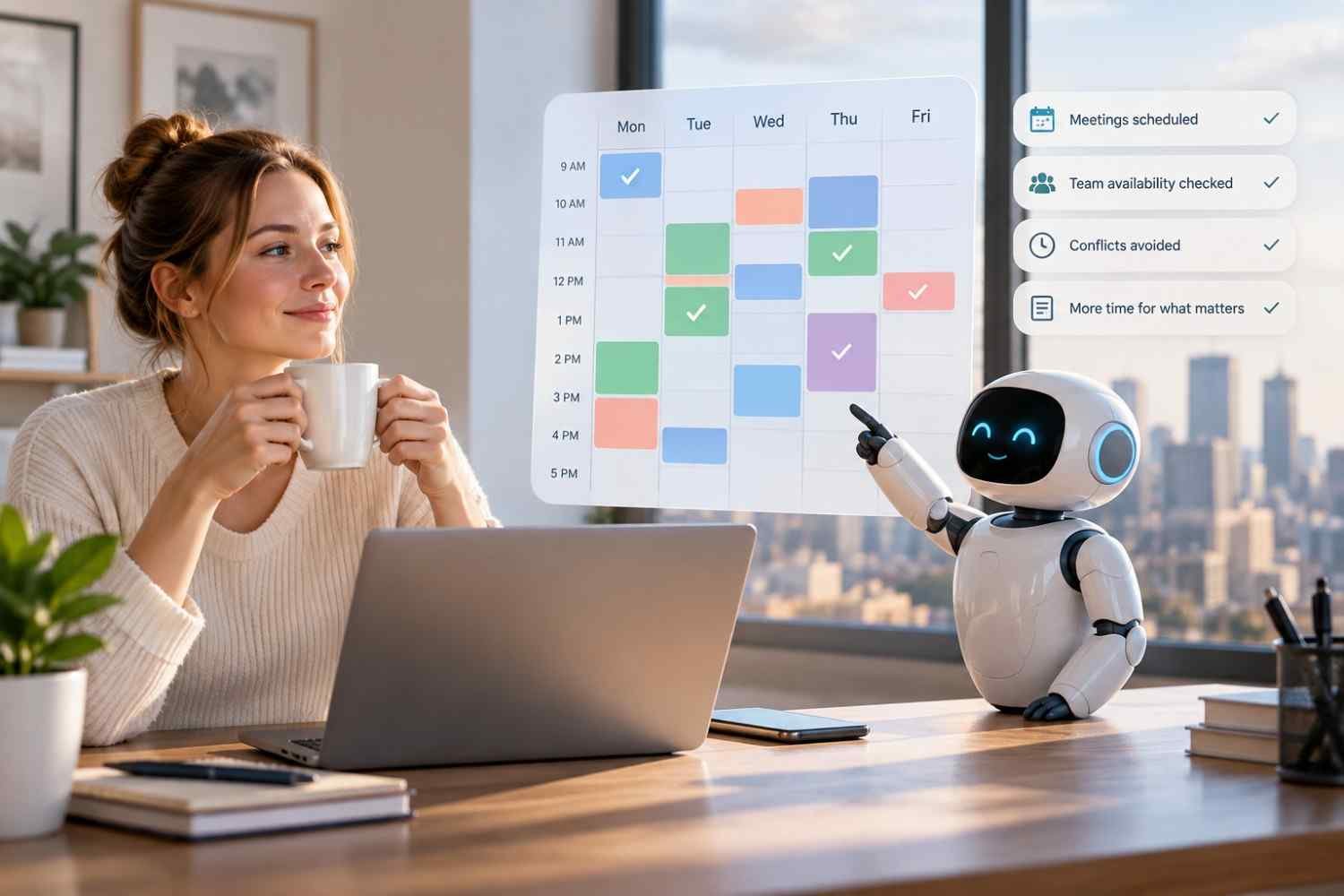
    I noticed how quickly a scheduling task can turn into a string of small decisions. Checking availability, moving a meeting, finding coverage, and remembering deadlines may each take only a few minutes, but repeated across a week, they create a surprising amount of administrative work.

    I also realized that the real frustration is rarely the calendar itself. It is the constant coordination around it. When priorities change or someone becomes unavailable, a schedule that looked workable in the morning can need rebuilding by lunch. That is where AI tools for reducing manual scheduling work can become useful.

    Why Manual Scheduling Becomes Such a Time Drain

    Manual scheduling looks straightforward until several constraints collide. A manager may need to consider employee availability, time off, shift coverage, qualifications, workload, deadlines, labor budgets, and existing meetings at the same time. One change can affect several other assignments.

    The repetitive part is often the biggest burden. A manager might compare calendars, message employees, fill open shifts, check conflicts, and rebuild schedules after an absence. Those tasks may not require deep strategic judgment, yet they consume attention that could go toward customers, employees, or operations.

    What AI Scheduling Tools Actually Automate

    What AI Scheduling Tools Actually Automate

    AI scheduling software can take over much of that coordination by working with calendar information, tasks, employee preferences, availability, and scheduling rules. Instead of starting with an empty calendar, a user can provide priorities and constraints while the system generates a workable schedule.

    The level of automation varies. Some tools focus on personal calendars, while others handle employee shifts, demand forecasts, skills, and workforce rules. The useful question is what scheduling work a platform can actually remove.

    Matching People to the Right Shifts

    For workforce scheduling, AI can compare several factors at once. Availability can be checked against staffing needs, while skills or qualifications can help determine who is suitable for a particular shift. Employee preferences can also be incorporated where supported.

    This reduces the tedious process of opening multiple calendars or spreadsheets and manually comparing options. It can also help identify gaps before a schedule is published, giving managers time to address coverage problems.

    Responding When Plans Change

    Scheduling rarely stays fixed. Employees call out, meetings run late, priorities move, and demand changes. A useful scheduling system should therefore do more than create a schedule once.

    Some AI planners can automatically rearrange flexible tasks when fixed events move. Workforce systems can similarly help managers adjust staffing when availability or demand changes. The benefit is fewer rounds of manual dragging, deleting, and rebuilding.

    Where AI Can Make Scheduling More Efficient

    Demand forecasting is one area where AI can add another layer of usefulness. Historical patterns and business data can help estimate when more or fewer employees may be needed. That information can support staffing decisions rather than leaving managers to rely entirely on intuition.

    AI can also help surface scheduling conflicts, overtime risks, uncovered shifts, and other issues before they become operational problems. Integrations with time tracking, payroll, HR, and other business systems can further reduce duplicate data entry.

    The result is not necessarily a completely hands-off workplace. It is a shift in where human attention is spent. Instead of repeatedly constructing the schedule, managers can review exceptions and solve unusual problems.

    AI Still Needs Human Oversight

    AI Still Needs Human Oversight

    Automation works best when the system has accurate information and clear rules. If employee availability is outdated, a qualification is missing, or a manager has knowledge that never reached the platform, an automatically generated schedule can still be unsuitable.

    Human review remains valuable. Managers can check whether a proposed schedule makes sense operationally, whether workloads are reasonable, and whether a particular employee or customer situation requires special consideration. Current AI scheduling products commonly position generated schedules as recommendations that users can review and adjust.

    Choosing the Right Approach for Your Team

    The right solution depends on the type of scheduling work creating the most friction. A small team may need simple calendar automation, while a larger operation may need demand forecasting, skills matching, compliance features, and integrations.

    Look at how much control the system provides, how easily employees can update their information, and whether it connects with tools already used by the business. Data quality matters too. AI cannot make reliable recommendations from incomplete or outdated workforce information.

    For organizations exploring AI employee scheduling tools for modern businesses, the most useful starting point is often the repetitive task causing the biggest bottleneck. Identify that task first, then look for technology that solves it without unnecessary complexity.

    The Habits Worth Changing

    The biggest benefit of scheduling automation may be the steady reduction of small administrative tasks that interrupt the working day. When routine coordination is handled automatically, managers can review schedules with a clearer picture of priorities instead of rebuilding the same information.

    Good AI scheduling should make the process feel lighter, not more complicated. The technology works best when it handles repetition while people retain the judgment, context, and responsibility behind the schedule.

    FAQs: AI Tools for Reducing Manual Scheduling Work Without the Hassle

    1. What can AI scheduling tools automate?

    They can automate creating schedules, checking availability, matching people to shifts, protecting calendar blocks, identifying conflicts, and adjusting flexible plans when circumstances change.

    2. Can AI replace a scheduling manager?

    Usually, AI is better viewed as a support system than a replacement. Managers still need to review recommendations, handle exceptions, and account for information the software may not understand.

    3. Is AI scheduling useful for small businesses?

    Yes. Teams can use automation to reduce repetitive calendar coordination, shift planning, availability checks, and last-minute schedule adjustments without needing a large workforce management system.

    4. What should businesses check before choosing a tool?

    Consider integrations, scheduling rules, employee access, data accuracy, reporting, scalability, and how much control managers retain over AI-generated recommendations.

    Making Scheduling Feel Manageable Again

    Scheduling is one of those operational jobs that can quietly consume hours because its individual tasks seem too small to prioritize. Automating those repeated decisions can create breathing room, particularly when a team has frequent changes, multiple constraints, or a growing workforce. The goal is not to remove people from the process. It is to remove unnecessary repetition from their workload.

    When the routine gets easier, the people managing the schedule can focus on the decisions that actually deserve their time.

  • AI Employee Scheduling Tools for Modern Businesses: Key Benefits

    AI Employee Scheduling Tools for Modern Businesses: Key Benefits

    I’ve watched employee scheduling turn into one of those jobs that looks simple until the details pile up. Someone is unavailable, another person has overtime approaching, demand changes, and suddenly a manager is moving names around a spreadsheet for hours. That process can work for a small team, but it becomes harder to manage as staffing needs grow.

    I’ve also noticed how quickly expectations around scheduling have changed. Employees want clearer schedules, easier shift changes, and more control over their availability, while managers need reliable coverage without wasting labor hours. That is where AI employee scheduling tools for modern businesses can make a practical difference, especially when scheduling decisions depend on more than a simple weekly template.

    What AI Employee Scheduling Tools Actually Do

    Traditional scheduling software can automate calendars, but AI-powered tools go further by analyzing patterns and making recommendations. They can consider employee availability, skills, certifications, labor rules, previous staffing levels, and expected demand at the same time.

    For a retailer, that might mean preparing more coverage around a busy weekend. For a restaurant, it could mean adjusting staffing around expected dinner traffic. The goal is not simply to fill every shift. It is to build a schedule that matches available people with the work the business expects to have.

    For businesses with hourly teams, that speed can become especially valuable during periods of changing demand. A schedule may need to shift because of weather, a local event, a promotion, a seasonal rush, or an unexpected absence. Instead of treating the published roster as fixed, managers can use updated information to make targeted changes while preserving coverage. This makes scheduling more responsive without requiring someone to manually recalculate every employee’s hours whenever conditions change. That can reduce disruption for both managers and frontline employees during busy operating periods.

    Lower Labor Costs Without Guesswork

    Lower Labor Costs Without Guesswork

    One of the clearest benefits is better control over labor spending. Overstaffing means paying for hours that may not be needed, while understaffing can create service problems, employee stress, and missed sales opportunities.

    AI scheduling software can use historical sales, seasonal patterns, foot traffic, and other business data to estimate staffing requirements. Managers can then build schedules around anticipated demand rather than relying entirely on instinct.

    Overtime is another area where automation can help. A scheduling system can identify when assigning a particular shift would push an employee toward overtime and suggest another qualified person instead. That does not eliminate the need for managerial judgment, but it gives managers a useful warning before a costly mistake reaches the published schedule.

    Claims about specific savings vary by business and implementation, so the value should be measured against a company’s own labor data rather than assumed from a generic percentage.

    Give Managers More Time for Actual Management

    Scheduling can consume a surprising amount of a manager’s working day. Finding replacements, checking availability, reviewing time-off requests, and resolving conflicts are necessary tasks, but they do not always require a manager to make every decision manually.

    AI employee scheduling tools can automate much of that administrative work. When someone calls out, the system can identify available workers and filter potential replacements according to relevant qualifications and scheduling rules.

    That can be particularly useful in industries where staffing changes happen frequently. Instead of sending a string of texts and waiting for replies, a manager can start with a list of suitable options and make the final call.

    Make Compliance Easier to Manage

    Scheduling mistakes are not always just inconvenient. Depending on the workplace and jurisdiction, businesses may need to account for overtime rules, required breaks, rest periods, minor labor restrictions, union agreements, or other scheduling requirements.

    Modern workforce scheduling tools can incorporate configured rules into the scheduling process and flag potential conflicts. A system might identify an employee who is approaching a weekly hour limit or highlight a sequence of shifts that creates an insufficient rest period.

    Businesses still need accurate rules, current configurations, and appropriate human oversight. However, automated checks can reduce the chance that a manager overlooks an issue while working under pressure.

    Improve the Employee Scheduling Experience

    Improve the Employee Scheduling Experience

    Scheduling affects employees just as directly as it affects managers. A schedule that changes constantly or provides little visibility can make it harder for workers to plan transportation, family responsibilities, appointments, and personal time.

    AI-powered scheduling platforms can give employees greater access to their schedules and availability tools. Depending on the system, workers may be able to submit time-off requests, update availability, view upcoming shifts, or swap shifts with qualified coworkers.

    Flexibility should not mean unpredictability. A useful system should help businesses maintain coverage while giving employees clearer information about when they are expected to work.

    AI can also help managers distribute shifts more consistently by applying the same scheduling rules across the workforce. That can reduce some of the inconsistency that occurs when every scheduling decision is made manually, although managers should still review recommendations and account for circumstances the software cannot understand.

    Use AI Scheduling Without Losing Human Judgment

    AI works best as a decision-support tool, not as a replacement for responsible management. Its recommendations depend on the information it receives. If employee availability is outdated, skills are recorded incorrectly, or demand data is incomplete, the resulting schedule can still be wrong.

    Businesses should therefore look for tools that integrate with systems they already use, provide clear controls, support employee self-service, and allow managers to review or adjust recommendations.

    A scheduling process that works for one location may become difficult across several stores, departments, or sites. The right platform should make complexity easier to manage rather than simply adding another layer of software.

    FAQs: AI Employee Scheduling Tools for Modern Businesses: Key Benefits

    1. What are AI employee scheduling tools?

    They are software platforms that use automation, data analysis, and sometimes machine learning to help businesses create and adjust employee schedules based on factors such as demand, availability, skills, and labor rules.

    2. Can AI scheduling reduce labor costs?

    It can help by matching staffing levels more closely with expected demand and identifying potential overtime. Actual savings depend on the business, workforce, data quality, and how the system is implemented.

    3. Do employees benefit from AI scheduling?

    They can. Features such as schedule visibility, availability updates, time-off requests, and shift swaps can give employees more control and make scheduling easier to manage.

    4. Should managers let AI create schedules without reviewing them?

    No. Human review remains valuable because managers understand circumstances that scheduling software may not capture, including team dynamics, unusual customer needs, and changing business priorities.

    Why Better Scheduling Starts With Better Decisions

    The biggest advantage of AI scheduling is not that a computer can produce a roster faster. It is that businesses can make staffing decisions using more information, fewer manual steps, and a clearer view of operational demand. When the technology is connected to reliable data and sensible rules, it can help managers respond to change without constantly starting the scheduling process from scratch.

    Good scheduling will always involve people. AI simply gives those people better tools for handling the complexity behind every shift.

  • Workforce Management Tools for Accurate Payroll Data: What to Look For

    Workforce Management Tools for Accurate Payroll Data: What to Look For

    I’ve learned that payroll problems rarely begin when someone runs payroll. They usually start earlier, when an employee’s hours are entered incorrectly, a schedule changes without being reflected elsewhere, or a manager has to reconcile several records by hand. Those small gaps can turn into bigger headaches at payday.

    I’ve also noticed how much easier payroll review becomes when scheduling, timekeeping, and employee records stay connected. Instead of chasing missing punches or comparing spreadsheets, managers can review one flow of workforce data and fix issues before they reach payroll. That is the real value worth looking for in workforce management tools for accurate payroll data.

    Why Payroll Accuracy Starts Before Payroll

    Payroll cannot correct inaccurate source data. Errors can begin with a missed punch, incorrect overtime, an unrecorded break, or a schedule change that never reaches the timesheet.

    That is why workforce management should be viewed as a connected process rather than a collection of separate features. Scheduling establishes expectations, time tracking records actual hours, managers review exceptions, and payroll uses approved information.

    The strongest systems reduce the number of times that information has to be copied or re-entered. Fewer handoffs mean fewer opportunities for entry errors and mismatched records.

    What to Look For in Workforce Management Tools

    What to Look For in Workforce Management Tools

    Connected Scheduling and Time Tracking

    For businesses still relying heavily on spreadsheets, modern alternatives to spreadsheet employee scheduling can create a more reliable workflow by keeping schedules, availability, changes, and actual hours in the same environment.

    Accurate Time and Attendance Capture

    Look for flexible ways to capture working time without creating another administrative task. Depending on the workplace, that might include desktop clock-ins, mobile time tracking, kiosks, geofencing, or other verification methods.

    Biometric options can help organizations limit buddy punching, while geofencing can confirm that mobile clock-ins happen within approved locations. The broader principle matters: time should be captured as close to the actual work event as possible.

    The system should make missing punches and unusual hours easy to spot.

    Payroll Integration That Reduces Re-Entry

    A workforce platform should fit into the payroll environment a business already uses. Direct integrations can transfer approved hours without requiring downloads, edits, and reuploads.

    That matters because manual transfers create another point where information can change accidentally.

    When comparing systems, ask what information actually moves between platforms, how often synchronization occurs, and what happens when a record does not match. A connection that exists technically but still requires substantial manual cleanup may not deliver the efficiency a buyer expects. That makes the review process faster, clearer, and less dependent on corrections during every pay cycle.

    Compliance Features That Support Payroll

    Payroll accuracy is also connected to wage-and-hour compliance. Rules around overtime, breaks, pay rates, and working time can become complicated, particularly for employers operating across locations.

    Useful workforce management software can apply configured pay rules, flag overtime, and identify potential break issues before payroll is finalized.

    Software should not replace legal guidance, but it can apply configured rules consistently and surface exceptions.

    Reporting, Alerts, and Audit Trails

    Reporting, Alerts, and Audit Trails

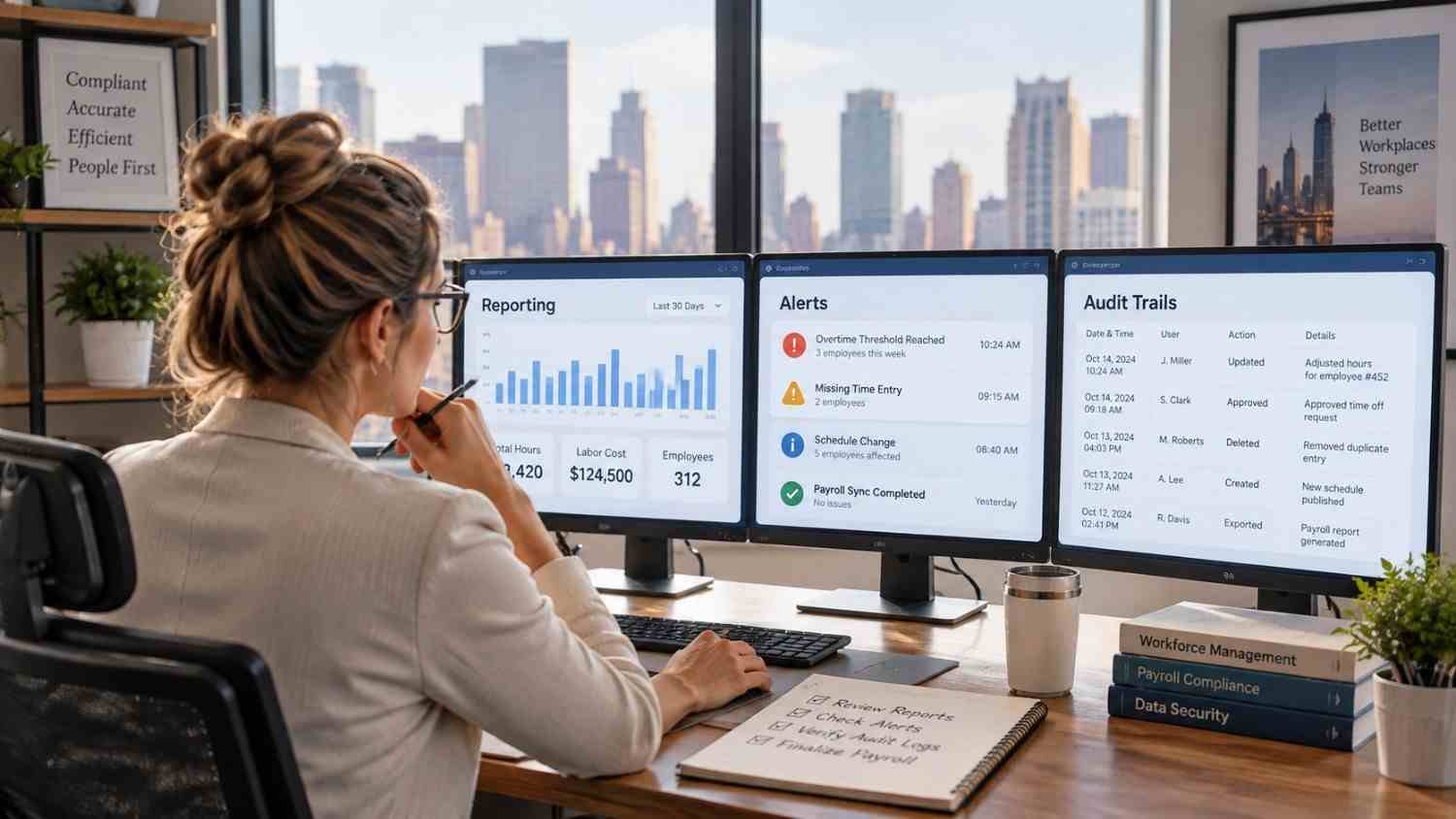
    Good reporting should answer practical questions, not simply produce attractive charts. Managers may need to know which employees have missing punches, where scheduled hours differ significantly from actual hours, or which timesheets remain unapproved.

    Alerts can surface exceptions before payroll closes, when corrections are easier than fixing an issued paycheck.

    Audit trails are useful for another reason. When a timesheet changes, a record of what was changed and when can help managers understand the history behind the final number. This creates greater accountability and makes payroll questions easier to investigate.

    Employee Self-Service Can Improve Data Quality

    Employees are often the people best positioned to notice an incorrect time entry. Giving them access to schedules, timesheets, leave information, and correction requests can move some of that review closer to the source.

    For businesses comparing time tracking tools connected to employee schedules, this is an important consideration. A connected employee experience can make it easier to see what was planned, what was recorded, and what needs correction.

    Look Beyond the Feature List

    Two workforce management platforms can offer similar features while creating very different experiences. Pay attention to implementation, usability, integration quality, reporting, permissions, mobile access, and support.

    Consider how the system will handle growth as locations, shifts, pay rules, or scheduling complexity increase.

    Why Better Data Flow Matters

    The most useful workforce management tools do more than automate isolated tasks. They create a cleaner path from the schedule an employee receives to the hours they actually work, and the information ultimately used for payroll.

    This connection can reduce administration, surface discrepancies, and clarify what happened during each pay period.

    The best choice depends on the workforce, existing payroll system, locations, compliance requirements, and daily operating habits.

    FAQs: Workforce Management Tools for Accurate Payroll Data: What to Look For

    1. How do workforce management tools improve payroll accuracy?

    They connect scheduling, time tracking, approvals, and payroll data, reducing manual entry and making discrepancies easier to identify before payroll is processed.

    2. Should workforce management software integrate with payroll?

    Yes. A direct integration can reduce duplicate data entry and help approved employee hours move more consistently into payroll processing.

    3. Can workforce management software help with compliance?

    It can support compliance by applying configured overtime and break rules, flagging exceptions, and maintaining records. Employers remain responsible for understanding applicable laws.

    4. What feature should businesses prioritize first?

    Start with accurate time capture and a reliable connection between timekeeping and payroll. Other features should support the specific needs of the workforce and existing systems.

    The Value of Getting the Workflow Right

    Payroll accuracy is ultimately a data-quality issue. When schedules, attendance records, approvals, and payroll systems communicate clearly, managers spend less time reconstructing what happened and more time resolving the exceptions that genuinely need attention. A well-chosen workforce platform can make that process feel routine instead of stressful, especially as teams become larger or schedules become more complex.

    Better payroll does not require more spreadsheets or more last-minute checking. It starts with cleaner workforce data, captured accurately and carried through each step with fewer chances for something to go wrong.

  • Workforce Apps for Managing Shift Availability That Simplify Scheduling

    Workforce Apps for Managing Shift Availability That Simplify Scheduling

    A schedule may look complete on paper, but one availability change can create a domino effect across the entire team. A missed update can lead to overlapping shifts, uncovered hours, overtime, or employees being assigned when they cannot work.

    I find workforce apps for managing shift availability especially useful because they bring those moving parts into one system. Employees can update availability, request time off, swap shifts, and respond to open shifts, while managers can spot conflicts earlier and build more reliable schedules. For US businesses with hourly or frontline teams, that can mean fewer last-minute fixes and a much smoother scheduling process.

    Which Workforce Apps Are Best for Managing Shift Availability?

    Connecteam: Best for Frontline Teams

    Connecteam combines scheduling, time tracking, communication, and employee management. Employees can enter preferred working hours and unavailability for managers to see while building schedules. It also supports time-off management and GPS-enabled time tracking, and its Small Business Plan is free for teams of up to 10 users.

    7shifts: Best for Restaurants and Hospitality

    7shifts puts employee availability directly into the restaurant scheduling workflow. Workers can submit recurring or temporary availability, request time off, and manage schedule changes through the app. Managers can review requests before publishing and use shift-trading tools when coverage changes.

    Workforce.com: Best for Growing Hourly Workforces

    Workforce.com: Best for Growing Hourly Workforces

    Workforce.com combines availability management with shift swapping, vacant-shift claiming, labor forecasting, time tracking, and compliance controls. Employees can view schedules, pick up or drop shifts, and request time off in the mobile app.

    Managers can also see conflicts involving PTO, unavailability, existing shifts, qualifications, and overtime. Its scheduling tools can flag labor-rule issues before schedules are published.

    Sling: Best for Simple Shift Trades

    Sling focuses on straightforward scheduling and team communication. Employees can make a shift available for eligible coworkers and can also swap or offer shifts. This makes it useful for retail stores, cafés, restaurants, and other shift-based workplaces that need faster coverage changes.

    Microsoft Teams Shifts: Best for Microsoft Users

    Microsoft Teams Shifts works well for organizations already using Teams. Managers can create schedules, publish open shifts, and control whether workers can request time off, swap shifts, or offer shifts. Requests can move through manager approval, with notifications delivered inside Teams.

    How Do Employees Enter and Update Availability?

    A useful employee availability app should support recurring and temporary availability. Recurring availability covers normal weekly patterns, while temporary availability handles short-term changes.

    For example, an employee might normally be available after 2 p.m. but need one Friday off. Good shift availability software keeps those situations separate.

    Availability should remain separate from time off: availability shows when someone can generally work, while time off covers a specific date or period. This distinction helps managers create cleaner employee schedules without confusing normal work preferences with vacation or personal-day requests.

    Can Scheduling Apps Prevent Conflicts and Overtime?

    Can Scheduling Apps Prevent Conflicts and Overtime?

    Strong workforce scheduling software does more than show who is free. Before publishing a shift, a manager may need to know whether an employee is already scheduled elsewhere, has approved PTO, lacks a required qualification, or is approaching overtime.

    Some platforms warn about these conflicts automatically, while others can block publishing based on configured rules. Workforce.com, for example, supports schedule validations involving overtime, qualifications, preferred hours, breaks, and other scheduling conditions.

    US employers should still configure scheduling software around applicable federal, state, and local requirements rather than assuming the software alone guarantees compliance.

    How Do Open Shifts and Shift Swaps Improve Coverage?

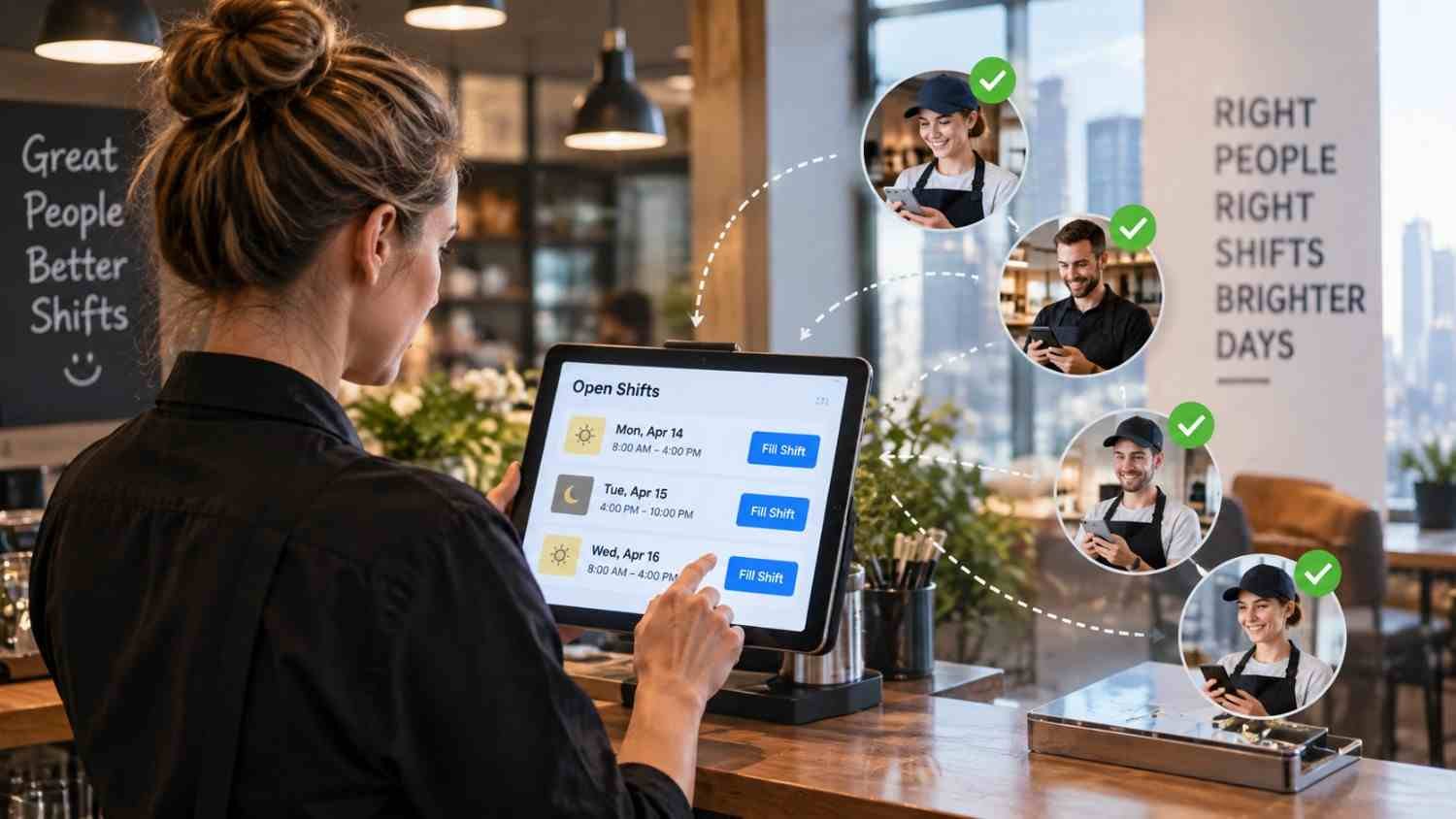
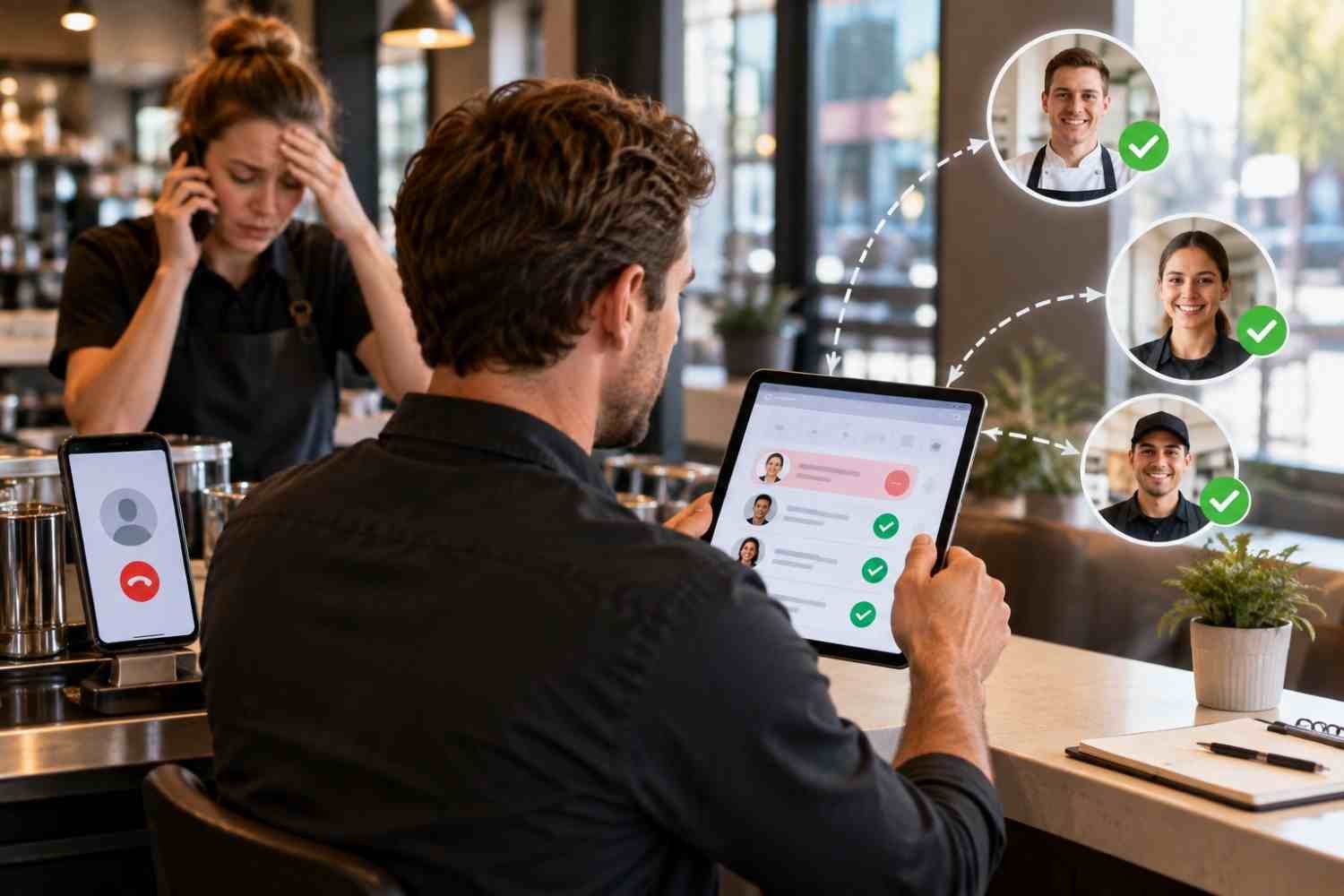
    Open-shift management reduces manual work. After a callout, a manager can publish an available shift and let eligible employees request it.

    Shift swapping works similarly: one employee offers or trades a shift, another accepts it, and the manager approves the change when required. Strong workflows also consider role eligibility, certifications, overtime exposure, and location.

    These features can be particularly useful for restaurants, retail businesses, healthcare operations, and other workplaces where staffing needs may change within hours.

    Why Does Mobile Employee Self-Service Matter?

    Many hourly workers in restaurants, retail, healthcare, hospitality, warehouses, and field services are deskless. Mobile self-service lets them check schedules, submit availability, request time off, respond to open shifts, and manage swaps from their phones.

    I would prioritize an app that makes these actions simple; otherwise, employees may return to separate messages.

    Mobile access also gives managers faster visibility when a shift suddenly becomes vacant. Instead of contacting every worker individually, they can notify available employees and manage responses from one scheduling system.

    What Features Should US Businesses Look For?

    What Features Should US Businesses Look For?

    When comparing scheduling platforms, I would look beyond a basic calendar. Employee self-service, recurring availability, temporary availability, time-off requests, open shifts, shift trades, manager approvals, conflict alerts, and real-time notifications should form the foundation.

    Larger operations may also need overtime warnings, compliance controls, qualification checks, multi-location scheduling, labor forecasting, payroll integrations, and centralized communication.

    Integrated communication is especially useful because schedule announcements, shift changes, and availability updates remain inside the same system rather than being scattered across separate workplace apps.

    Frequently Asked Questions (FAQs)

    1. What Is the Best App for Employees to Submit Availability?

    It depends on the workforce. Connecteam suits frontline teams, 7shifts is restaurant-focused, Workforce.com targets shift-based organizations, Sling emphasizes simplicity, and Microsoft Teams Shifts fits Teams users.

    2. Can Employees Change Availability From Their Phones?

    Yes. Many scheduling apps let employees update availability, request time off, and manage shift changes through mobile apps.

    3. Can Scheduling Software Prevent Unavailable Employees From Being Scheduled?

    Some systems warn managers about availability conflicts before publication. More advanced scheduling software can also flag overtime, PTO, qualification, and existing-shift conflicts.

    4. What Is the Difference Between Availability and Time Off?

    Availability describes the days and hours an employee can generally work. Time off usually covers specific dates when the employee asks not to be scheduled.

    5. Are These Apps Useful for Multiple Locations?

    Yes. Workforce apps for managing shift availability can help multi-location businesses see staffing needs, open shifts, schedules, and potential conflicts across sites.

    Final Thoughts

    I would choose scheduling software based on the real workflow managers and employees use every week, not simply on the longest feature list. The right system should simplify availability, reduce conflicts, speed up coverage, and improve visibility into overtime, qualifications, and compliance. It can also support broader goals such as restoring motivation and engagement in the workplace by giving employees more transparency, flexibility, and control over their schedules.

    For US businesses with hourly or frontline workers, employee self-service plus manager controls creates a more dependable scheduling process.

  • Workforce Scheduling Software With HR Integration for Smarter Workforce Operations

    Workforce Scheduling Software With HR Integration for Smarter Workforce Operations

    Building a schedule may look simple until PTO requests, overtime limits, role requirements, last-minute absences, and payroll rules all start competing for attention. I think this is where many workforce processes become unnecessarily complicated, especially when managers have to check multiple systems before approving a single shift.

    Workforce scheduling software with HR integration brings those moving parts into a more connected workflow. It links scheduling with employee availability, HR records, time tracking, payroll data, and compliance requirements so managers can make better staffing decisions without constantly switching between platforms. 

    For US businesses with hourly, frontline, or multi-location teams, that can mean fewer scheduling conflicts, less manual work, and better visibility into labor costs.

    What Does HR-Integrated Workforce Scheduling Actually Do?

    Employee scheduling software determines who works, where they work, and when they work. An HRIS or HCM platform stores broader information such as employment status, department, role, leave, onboarding records, pay information, and sometimes qualifications.

    Connecting those functions creates a more complete workforce management workflow.

    If HR approves an employee’s leave, scheduling managers should be able to see that absence before assigning a shift. When someone changes locations or roles, scheduling permissions should reflect the change. Completed timesheets can then move into payroll instead of requiring another round of manual entry.

    For US businesses, integration can also help managers identify overtime exposure, manage meal and rest-break requirements, and apply organization-specific scheduling policies before a schedule is finalized.

    Which Workforce Scheduling Platforms Offer Strong HR Integration?

    The right choice largely depends on whether a company wants one unified HR ecosystem or wants scheduling software to connect with an HR platform it already uses.

    Workforce.com: Best Fit for Hourly Workforce Operations

    Workforce.com: Best Fit for Hourly Workforce Operations

    Workforce.com takes an all-in-one approach. Its HRIS, scheduling, time and attendance, and payroll capabilities operate within the same broader system, allowing employee information to follow the worker from hiring and onboarding into scheduling and payroll. Its HRIS specifically emphasizes maintaining employee records without repeated data entry.

    For scheduling, Workforce.com supports labor forecasting, shift swapping and bidding, attendance management, and payroll workflows. It also provides integrations with platforms including ADP, Workday, UKG, Gusto, Paychex, and other HR or payroll systems when businesses do not want to replace their existing stack.

    I would see this type of platform as particularly relevant to US employers with large hourly or frontline teams that want scheduling closely tied to attendance and payroll.

    Deputy: Strong for Scheduling Plus HR and Payroll Connections

    Deputy combines employee scheduling, time tracking, demand forecasting, shift swapping, leave management, compliance features, and HR functionality. Its current platform also includes onboarding, document management, HR reporting, and performance-related capabilities.

    Its integration model makes it useful for businesses that already have payroll or HR systems. For example, Deputy’s Paycor integration transfers time data into Paycor, allowing companies to retain Paycor for HR and payroll while using Deputy for workforce scheduling.

    For US operators, Deputy also offers overtime alerts, break planning, pay-rule functionality, demand forecasting, and Fair Workweek-related tools.

    Humanity Schedule: Strong for Complex Scheduling Rules

    Humanity Schedule from TCP Software focuses heavily on scheduling while connecting with existing HCM, ERP, and payroll environments.

    TCP states that Humanity can connect with systems such as ADP, Oracle, Workday, and BambooHR, while open API capabilities support organizations with more specialized integration requirements.

    Its rules engine is particularly relevant when schedules need to account for labor laws, collective bargaining agreements, employee qualifications, overtime thresholds, Fair Workweek requirements, and organization-specific scheduling rules.

    For a US enterprise already committed to a separate HR or ERP platform, this connector-based model may be more practical than replacing the entire HR technology stack.

    How Do Enterprise HCM Platforms Handle Scheduling?

    How Do Enterprise HCM Platforms Handle Scheduling?

    Large organizations may prefer scheduling inside the same HCM environment that already controls HR data.

    Workday Scheduling

    Workday combines workforce management with its broader HCM ecosystem. Scheduling can use employee availability, preferences, and skills while also supporting time tracking and absence management. Its scheduling capabilities include AI-driven scheduling, demand forecasting, open shifts, shift swapping, and labor optimization.

    This approach can be particularly useful for larger US employers that want workforce scheduling tied to a central employee system of record rather than connected through multiple standalone applications.

    ADP Workforce Now

    ADP Workforce Now brings HR, payroll, time, attendance, and scheduling into the same broader ecosystem. ADP states that Workforce Management can help employers capture time, optimize schedules, manage attendance, monitor labor costs, and move workforce information through payroll workflows.

    For organizations already running ADP payroll and HR, using its workforce management capabilities may reduce the need to maintain another separate employee-data environment.

    Where Does HRMantra Fit?

    HRMantra follows the broader all-in-one HRMS model, combining employee lifecycle management with functions such as attendance, leave, payroll, and workforce administration.

    Its approach can suit organizations that want HR operations and complex shift patterns managed within a broader HR environment rather than through a standalone scheduler. Businesses comparing it with workforce management software with open API capabilities should also look closely at how easily employee, scheduling, payroll, and attendance data can connect with other systems.

    However, I would evaluate it differently for a US deployment than for an international one. US employers should specifically verify payroll compatibility, state and local scheduling requirements, overtime configuration, security requirements, implementation support, and integrations with their existing US HR technology.

    What HR Data Should Sync With Employee Scheduling?

    The best integration is not simply the one with the longest connector list. I would focus on what actually moves between systems.

    Employee status, department, work location, job role, pay rate, availability, qualifications, approved leave, PTO balances, scheduled hours, actual time worked, overtime, and payroll-ready timesheets are among the most useful data points to connect.

    Two-way synchronization can be especially valuable. If employee information changes in the HRIS, the scheduling environment should update without requiring managers to maintain the same record manually.

    Native HRIS or Dedicated Scheduling Tool: Which Is Better?

    Native HRIS or Dedicated Scheduling Tool: Which Is Better?

    There is no universal answer.

    An all-in-one HRIS or HCM platform makes sense when a company wants one employee record across hiring, scheduling, attendance, payroll, and HR administration.

    A dedicated scheduling platform can make more sense when the business already has a strong HRIS but needs more sophisticated shift planning, demand forecasting, employee self-service, labor optimization, or industry-specific scheduling rules.

    I would therefore ask vendors to demonstrate the actual workflow, not simply confirm that an integration exists.

    What Should US Employers Check Before Choosing Software?

    For a US workforce, compliance capabilities deserve particular attention. Federal requirements matter, but scheduling rules can also vary by state, city, industry, collective bargaining agreement, and company policy.

    Businesses should examine overtime alerts, break management, minor-worker restrictions where relevant, Fair Workweek or predictive-scheduling support, audit trails, access controls, timekeeping, and payroll integration.

    Managers should also evaluate employee self-service. Allowing workers to view schedules, request PTO, update availability, exchange shifts, or claim open shifts can reduce administrative work while giving managers approval control.

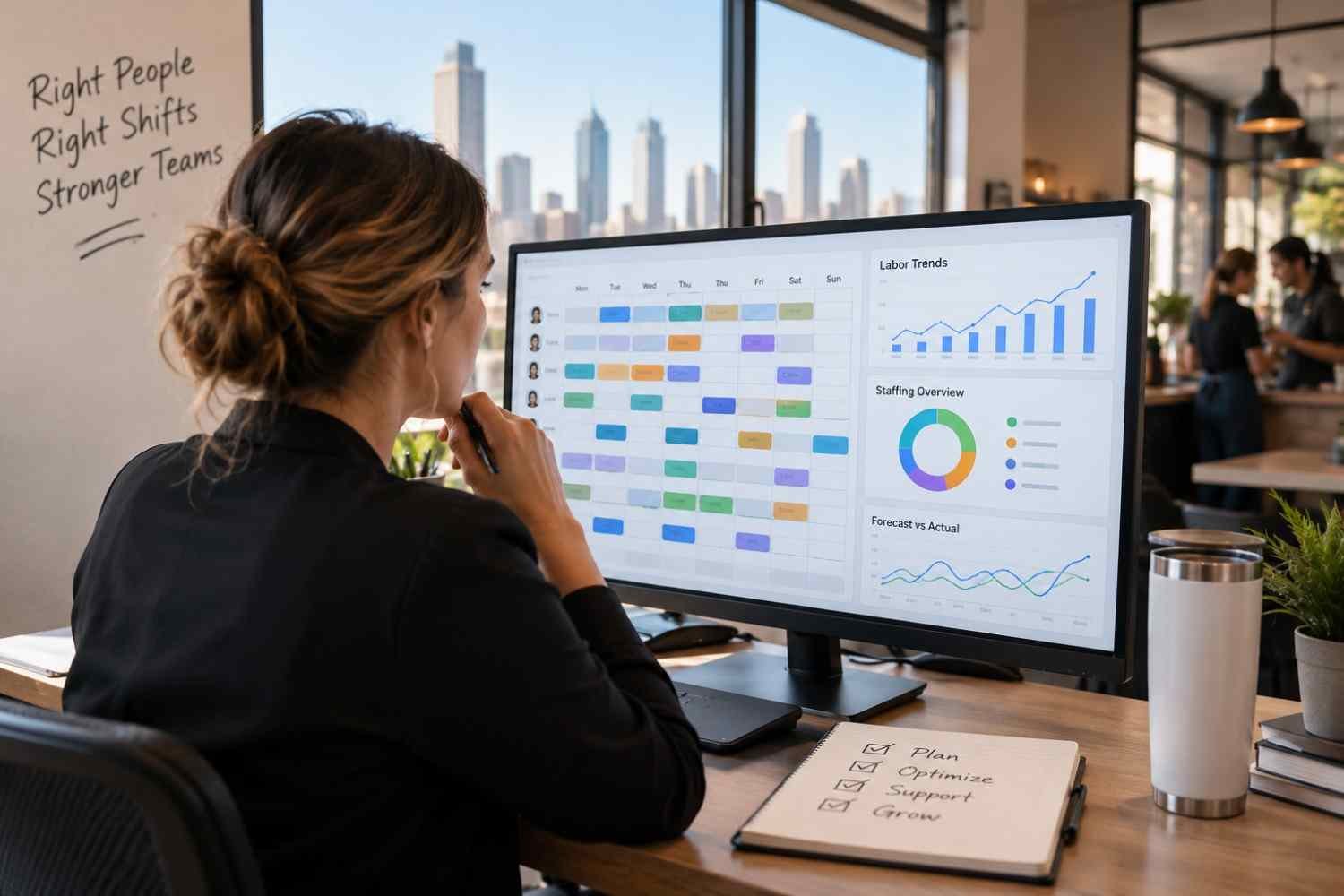
    Workforce analytics and labor forecasting deserve equal attention. Scheduling becomes far more valuable when managers can compare planned labor with actual hours, identify overtime trends, predict staffing demand, and see potential coverage gaps before they affect operations.

    Frequently Asked Questions (FAQs)

    1. Can scheduling software connect with an existing HRIS?

    Yes. Many platforms connect with HRIS, payroll, HCM, and ERP systems through native integrations, APIs, file transfers, or third-party connectors. The important question is which employee fields synchronize and whether the connection is one-way or two-way.

    2. Can HR-integrated scheduling reduce payroll errors?

    It can reduce manual re-entry and make scheduled hours, actual time, leave, and payroll information easier to reconcile. Businesses should still review timesheets and exceptions before completing payroll.

    3. What is the difference between workforce scheduling and workforce management?

    Scheduling focuses primarily on shifts, staffing coverage, employee availability, and schedule changes. Workforce management usually adds time tracking, attendance, labor forecasting, analytics, compliance, absence management, and other operational functions.

    4. Should scheduling software include employee self-service?

    For many hourly workforces, yes. Mobile access to schedules, availability, PTO requests, open shifts, and shift swaps can reduce routine manager administration.

    Bringing Scheduling and HR Data Together

    When I evaluate scheduling technology, I look beyond how quickly a manager can create a roster. The bigger question is whether scheduling decisions stay connected to the information HR and payroll teams already maintain.

    The strongest workforce scheduling software with HR integration should connect employee records, availability, PTO, time and attendance, payroll, labor demand forecasting, compliance rules, and workforce analytics without forcing managers to repeatedly reconcile separate systems.

    For US businesses, that connected approach can turn scheduling from a weekly administrative task into a much more useful workforce planning process.