
I’ve learned that payroll problems rarely begin when someone runs payroll. They usually start earlier, when an employee’s hours are entered incorrectly, a schedule changes without being reflected elsewhere, or a manager has to reconcile several records by hand. Those small gaps can turn into bigger headaches at payday.
I’ve also noticed how much easier payroll review becomes when scheduling, timekeeping, and employee records stay connected. Instead of chasing missing punches or comparing spreadsheets, managers can review one flow of workforce data and fix issues before they reach payroll. That is the real value worth looking for in workforce management tools for accurate payroll data.
Why Payroll Accuracy Starts Before Payroll
Payroll cannot correct inaccurate source data. Errors can begin with a missed punch, incorrect overtime, an unrecorded break, or a schedule change that never reaches the timesheet.
That is why workforce management should be viewed as a connected process rather than a collection of separate features. Scheduling establishes expectations, time tracking records actual hours, managers review exceptions, and payroll uses approved information.
The strongest systems reduce the number of times that information has to be copied or re-entered. Fewer handoffs mean fewer opportunities for entry errors and mismatched records.
What to Look For in Workforce Management Tools

Connected Scheduling and Time Tracking
For businesses still relying heavily on spreadsheets, modern alternatives to spreadsheet employee scheduling can create a more reliable workflow by keeping schedules, availability, changes, and actual hours in the same environment.
Accurate Time and Attendance Capture
Look for flexible ways to capture working time without creating another administrative task. Depending on the workplace, that might include desktop clock-ins, mobile time tracking, kiosks, geofencing, or other verification methods.
Biometric options can help organizations limit buddy punching, while geofencing can confirm that mobile clock-ins happen within approved locations. The broader principle matters: time should be captured as close to the actual work event as possible.
The system should make missing punches and unusual hours easy to spot.
Payroll Integration That Reduces Re-Entry
A workforce platform should fit into the payroll environment a business already uses. Direct integrations can transfer approved hours without requiring downloads, edits, and reuploads.
That matters because manual transfers create another point where information can change accidentally.
When comparing systems, ask what information actually moves between platforms, how often synchronization occurs, and what happens when a record does not match. A connection that exists technically but still requires substantial manual cleanup may not deliver the efficiency a buyer expects. That makes the review process faster, clearer, and less dependent on corrections during every pay cycle.
Compliance Features That Support Payroll
Payroll accuracy is also connected to wage-and-hour compliance. Rules around overtime, breaks, pay rates, and working time can become complicated, particularly for employers operating across locations.
Useful workforce management software can apply configured pay rules, flag overtime, and identify potential break issues before payroll is finalized.
Software should not replace legal guidance, but it can apply configured rules consistently and surface exceptions.
Reporting, Alerts, and Audit Trails
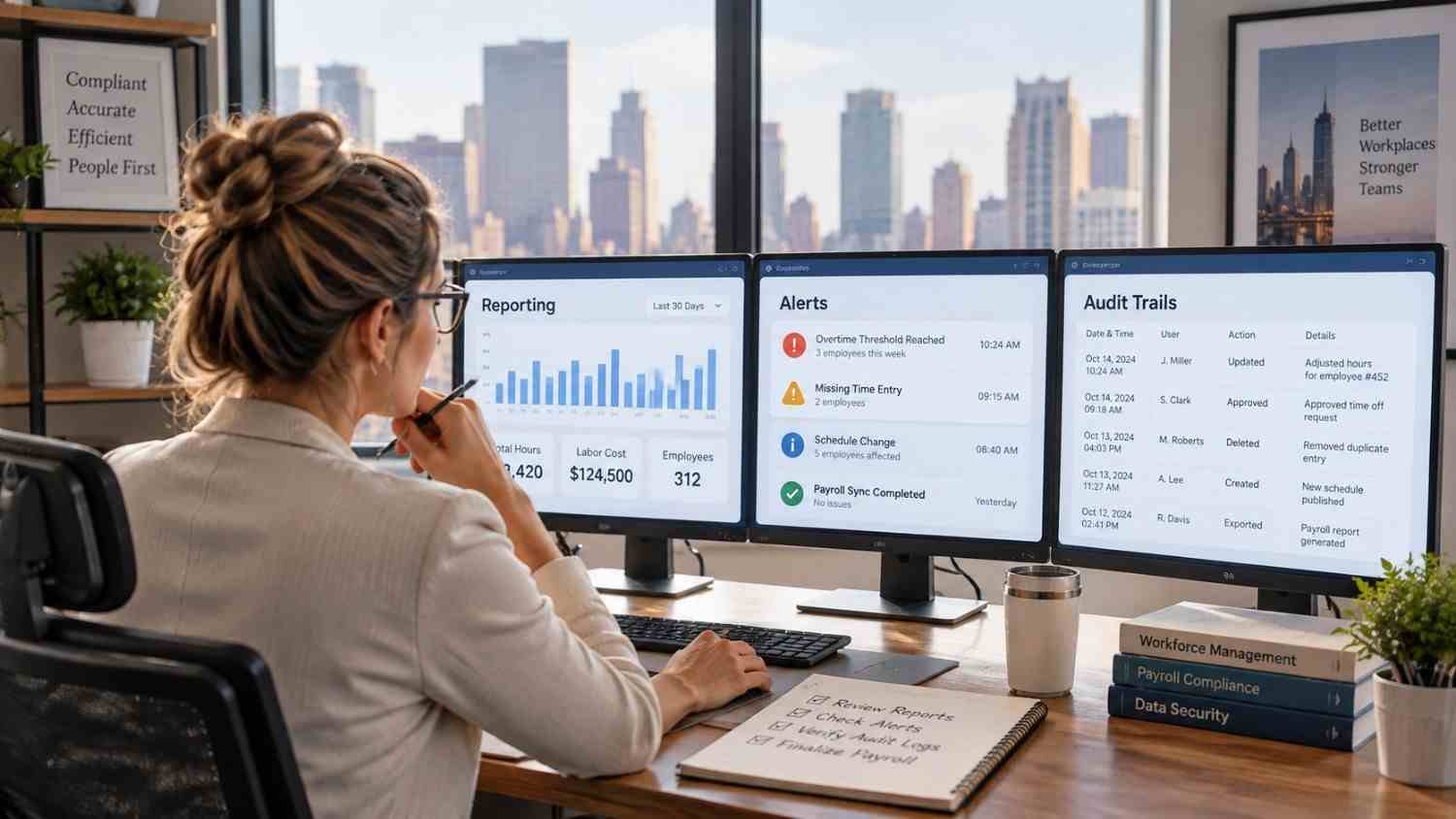
Good reporting should answer practical questions, not simply produce attractive charts. Managers may need to know which employees have missing punches, where scheduled hours differ significantly from actual hours, or which timesheets remain unapproved.
Alerts can surface exceptions before payroll closes, when corrections are easier than fixing an issued paycheck.
Audit trails are useful for another reason. When a timesheet changes, a record of what was changed and when can help managers understand the history behind the final number. This creates greater accountability and makes payroll questions easier to investigate.
Employee Self-Service Can Improve Data Quality
Employees are often the people best positioned to notice an incorrect time entry. Giving them access to schedules, timesheets, leave information, and correction requests can move some of that review closer to the source.
For businesses comparing time tracking tools connected to employee schedules, this is an important consideration. A connected employee experience can make it easier to see what was planned, what was recorded, and what needs correction.
Look Beyond the Feature List
Two workforce management platforms can offer similar features while creating very different experiences. Pay attention to implementation, usability, integration quality, reporting, permissions, mobile access, and support.
Consider how the system will handle growth as locations, shifts, pay rules, or scheduling complexity increase.
Why Better Data Flow Matters
The most useful workforce management tools do more than automate isolated tasks. They create a cleaner path from the schedule an employee receives to the hours they actually work, and the information ultimately used for payroll.
This connection can reduce administration, surface discrepancies, and clarify what happened during each pay period.
The best choice depends on the workforce, existing payroll system, locations, compliance requirements, and daily operating habits.
FAQs: Workforce Management Tools for Accurate Payroll Data: What to Look For
1. How do workforce management tools improve payroll accuracy?
They connect scheduling, time tracking, approvals, and payroll data, reducing manual entry and making discrepancies easier to identify before payroll is processed.
2. Should workforce management software integrate with payroll?
Yes. A direct integration can reduce duplicate data entry and help approved employee hours move more consistently into payroll processing.
3. Can workforce management software help with compliance?
It can support compliance by applying configured overtime and break rules, flagging exceptions, and maintaining records. Employers remain responsible for understanding applicable laws.
4. What feature should businesses prioritize first?
Start with accurate time capture and a reliable connection between timekeeping and payroll. Other features should support the specific needs of the workforce and existing systems.
The Value of Getting the Workflow Right
Payroll accuracy is ultimately a data-quality issue. When schedules, attendance records, approvals, and payroll systems communicate clearly, managers spend less time reconstructing what happened and more time resolving the exceptions that genuinely need attention. A well-chosen workforce platform can make that process feel routine instead of stressful, especially as teams become larger or schedules become more complex.
Better payroll does not require more spreadsheets or more last-minute checking. It starts with cleaner workforce data, captured accurately and carried through each step with fewer chances for something to go wrong.
Leave a Reply