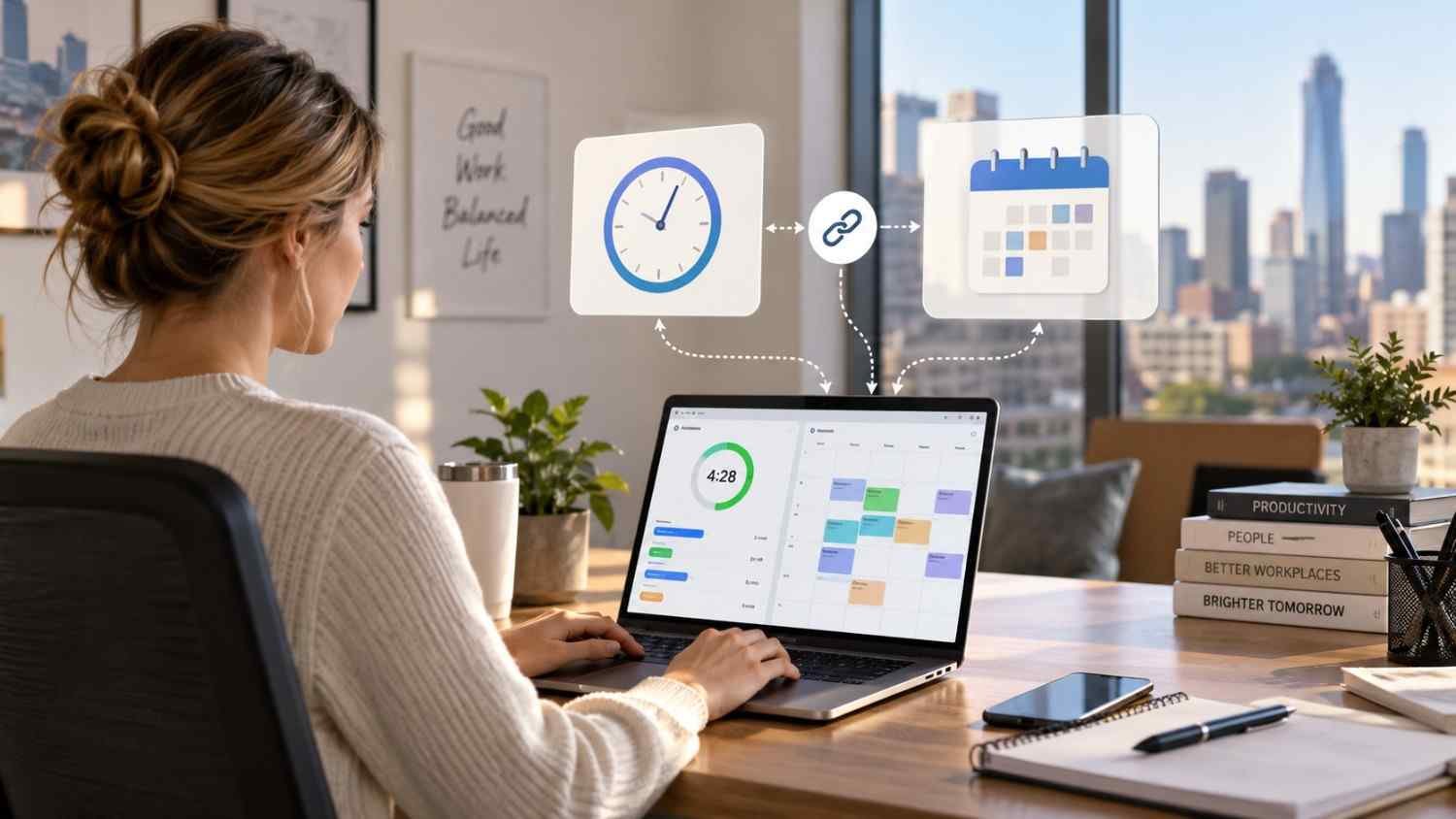
I started noticing how often a work schedule and a timesheet can tell two different stories. A shift might be planned from 9 a.m. to 5 p.m., yet the employee could arrive late, leave early, stay longer, or forget to clock out. Looking at those records separately makes a simple question surprisingly hard to answer: what hours were actually worked?
I also found that connecting schedules with time tracking changes that process. Instead of treating the schedule as a plan and the timecard as a separate record, the system can compare them as work happens. That creates a clearer picture for managers, employees, and payroll teams without making every small difference a manual task.
What Does It Mean to Connect Time Tracking With Employee Schedules?
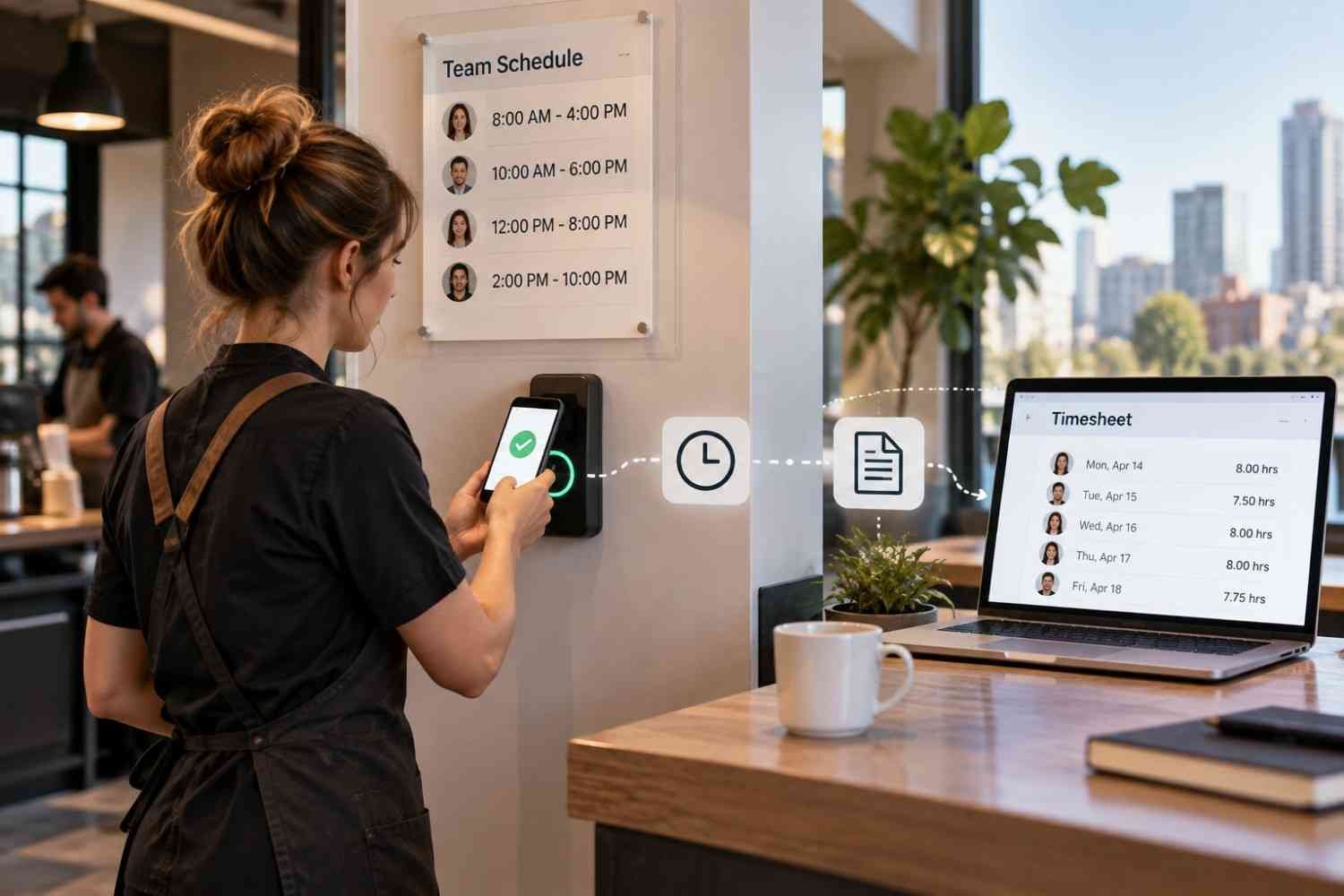
At its simplest, the connection links planned shifts with actual attendance records. A manager creates a schedule with start times, end times, locations, roles, and other relevant details. Employees then clock in and out through a mobile app, web portal, kiosk, or time clock.
The system already knows what each employee was supposed to work. When the employee records time, it can compare the two records and identify differences. That might mean a late arrival, an early departure, an extended shift, or hours worked outside the planned schedule.
How the Connection Works From Shift to Timesheet
1. The schedule creates the baseline
Everything begins with the employee schedule. Once shifts are assigned, relevant information can flow into the time tracking system. Depending on the software, that may include the employee, shift, location, job role, and scheduled hours.
2. Employees record actual time
When the shift begins, employees clock in using the method their employer provides. For a desk-based team, that could be a web browser or shared terminal. For mobile or distributed workers, an app may make more sense.
Some systems can apply rules around when and where employees can clock in. A business might restrict early clock-ins or use location-based controls for specific roles and worksites. These settings vary by employer and should reflect legitimate operational and privacy requirements.
3. The system compares planned and actual hours
This is where the connection becomes particularly useful. Suppose someone is scheduled for 9 a.m. to 5 p.m. but clocks in at 9:12 and clocks out at 5:18. The system can record the actual time and highlight the difference from the planned shift.
Managers can then see exceptions instead of manually comparing every timecard with the schedule.
4. Exceptions receive attention
A connected platform can flag missed punches, late starts, early departures, extended shifts, or potential overtime. Alerts may also remind employees to clock in or prompt managers when an expected attendance event does not occur.
This does not mean every flagged difference is an error. An employee may have stayed late because a customer needed help, for example. The value is that the system brings the discrepancy forward so someone can check the reason.
Why Scheduled Hours and Actual Hours Belong Together
Keeping scheduling and time tracking connected gives managers more useful labor information. A schedule shows the staffing plan. Time records show what happened. Looking at both together reveals where the plan and reality diverged.
That visibility can support payroll preparation, attendance management, overtime control, and labor planning. For businesses still relying heavily on manual spreadsheets, connected systems can reduce duplicate entry and outdated schedules. They can also provide a more practical path toward modern alternatives to spreadsheet employee scheduling without forcing managers to rebuild their workflow around separate tools.
Where Mobile Access Fits
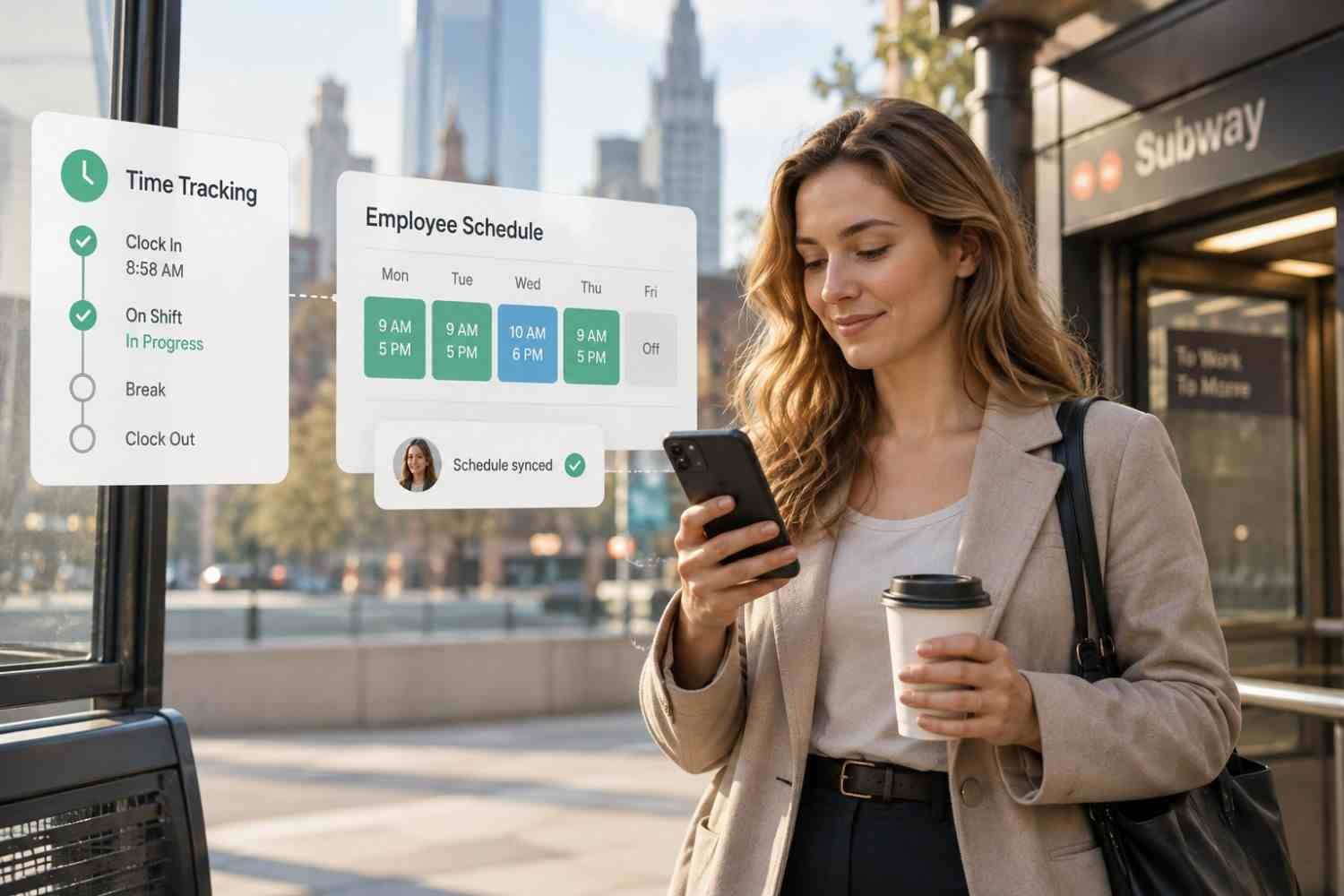
Mobile functionality is useful for teams that are not sitting at computers all day. Employees may need to check a shift, clock in, review hours, request time off, or respond to schedule changes from their phones.
That makes mobile-first employee scheduling software relevant when scheduling and time tracking need to work together rather than operate as separate administrative tasks.
What Happens Before Payroll?
After a shift ends, recorded hours may need review and approval. The system can organize time records alongside the schedule and highlight unresolved exceptions before those hours move into payroll.
Payroll rules may account for overtime, breaks, different pay rates, or other workplace requirements. Exact calculations depend on the employer, jurisdiction, applicable agreements, and payroll configuration. Once records are approved, integrated systems can transfer relevant information to payroll software, reducing manual re-entry.
What Should Businesses Look For?
Several capabilities are worth checking:
- Schedule-to-timesheet comparison, so managers can see planned versus actual hours.
- Flexible clock-in options, including mobile, web, kiosk, or physical time clocks.
- Overtime and attendance alerts that surface exceptions before payroll problems grow.
- Payroll integrations that reduce duplicate entry and support approved time exports.
It is also worth checking permissions, reporting, employee self-service, break settings, and how easily managers can change a shift without creating conflicting records.
FAQs: How Time Tracking Tools Connected to Employee Schedules Work
1. Can time tracking automatically compare scheduled and actual hours?
Yes. The scheduled shift provides a baseline and recorded clock-in and clock-out times provide actual hours. Differences can then be flagged for review.
2. Can employees clock in from a phone?
Many platforms support mobile clock-ins. Some also offer location-based features, although availability and employer settings vary.
3. Does connected time tracking replace payroll software?
Usually, no. Time tracking generally prepares or transfers approved hours, while payroll software handles wage calculations, taxes, deductions, and payroll processing.
4. Why connect scheduling and time tracking?
The connection gives managers context around recorded hours. Instead of reviewing schedules and timesheets separately, they can identify discrepancies, approve exceptions, and prepare payroll data.
Why Better Connections Make Work Easier
The real benefit of connecting schedules with time tracking is not simply having another dashboard. It is having the right information meet at the right moment. A schedule sets expectations, a time record captures reality, and the connection helps managers understand the difference without chasing paperwork.
For hourly teams, that shift can make everyday administration less fragmented. When schedules, attendance, approvals, and payroll data stay connected, managers spend less time matching records and more time dealing with exceptions that actually need attention. The goal is not to remove human judgment from scheduling, but to give people cleaner information when decisions about hours, coverage, and payroll need to be made.
Leave a Reply