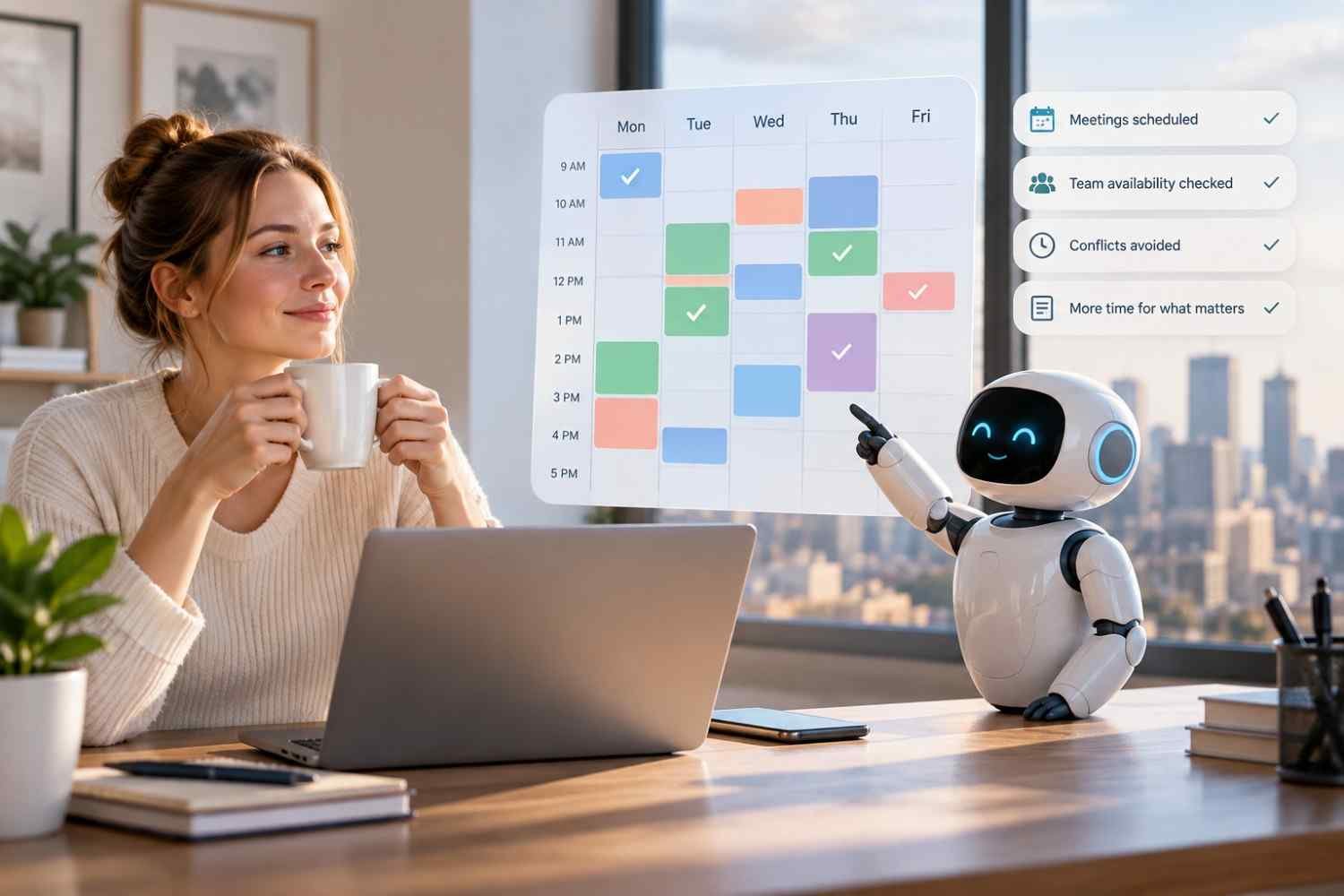
I noticed how quickly a scheduling task can turn into a string of small decisions. Checking availability, moving a meeting, finding coverage, and remembering deadlines may each take only a few minutes, but repeated across a week, they create a surprising amount of administrative work.
I also realized that the real frustration is rarely the calendar itself. It is the constant coordination around it. When priorities change or someone becomes unavailable, a schedule that looked workable in the morning can need rebuilding by lunch. That is where AI tools for reducing manual scheduling work can become useful.
Why Manual Scheduling Becomes Such a Time Drain
Manual scheduling looks straightforward until several constraints collide. A manager may need to consider employee availability, time off, shift coverage, qualifications, workload, deadlines, labor budgets, and existing meetings at the same time. One change can affect several other assignments.
The repetitive part is often the biggest burden. A manager might compare calendars, message employees, fill open shifts, check conflicts, and rebuild schedules after an absence. Those tasks may not require deep strategic judgment, yet they consume attention that could go toward customers, employees, or operations.
What AI Scheduling Tools Actually Automate

AI scheduling software can take over much of that coordination by working with calendar information, tasks, employee preferences, availability, and scheduling rules. Instead of starting with an empty calendar, a user can provide priorities and constraints while the system generates a workable schedule.
The level of automation varies. Some tools focus on personal calendars, while others handle employee shifts, demand forecasts, skills, and workforce rules. The useful question is what scheduling work a platform can actually remove.
Matching People to the Right Shifts
For workforce scheduling, AI can compare several factors at once. Availability can be checked against staffing needs, while skills or qualifications can help determine who is suitable for a particular shift. Employee preferences can also be incorporated where supported.
This reduces the tedious process of opening multiple calendars or spreadsheets and manually comparing options. It can also help identify gaps before a schedule is published, giving managers time to address coverage problems.
Responding When Plans Change
Scheduling rarely stays fixed. Employees call out, meetings run late, priorities move, and demand changes. A useful scheduling system should therefore do more than create a schedule once.
Some AI planners can automatically rearrange flexible tasks when fixed events move. Workforce systems can similarly help managers adjust staffing when availability or demand changes. The benefit is fewer rounds of manual dragging, deleting, and rebuilding.
Where AI Can Make Scheduling More Efficient
Demand forecasting is one area where AI can add another layer of usefulness. Historical patterns and business data can help estimate when more or fewer employees may be needed. That information can support staffing decisions rather than leaving managers to rely entirely on intuition.
AI can also help surface scheduling conflicts, overtime risks, uncovered shifts, and other issues before they become operational problems. Integrations with time tracking, payroll, HR, and other business systems can further reduce duplicate data entry.
The result is not necessarily a completely hands-off workplace. It is a shift in where human attention is spent. Instead of repeatedly constructing the schedule, managers can review exceptions and solve unusual problems.
AI Still Needs Human Oversight

Automation works best when the system has accurate information and clear rules. If employee availability is outdated, a qualification is missing, or a manager has knowledge that never reached the platform, an automatically generated schedule can still be unsuitable.
Human review remains valuable. Managers can check whether a proposed schedule makes sense operationally, whether workloads are reasonable, and whether a particular employee or customer situation requires special consideration. Current AI scheduling products commonly position generated schedules as recommendations that users can review and adjust.
Choosing the Right Approach for Your Team
The right solution depends on the type of scheduling work creating the most friction. A small team may need simple calendar automation, while a larger operation may need demand forecasting, skills matching, compliance features, and integrations.
Look at how much control the system provides, how easily employees can update their information, and whether it connects with tools already used by the business. Data quality matters too. AI cannot make reliable recommendations from incomplete or outdated workforce information.
For organizations exploring AI employee scheduling tools for modern businesses, the most useful starting point is often the repetitive task causing the biggest bottleneck. Identify that task first, then look for technology that solves it without unnecessary complexity.
The Habits Worth Changing
The biggest benefit of scheduling automation may be the steady reduction of small administrative tasks that interrupt the working day. When routine coordination is handled automatically, managers can review schedules with a clearer picture of priorities instead of rebuilding the same information.
Good AI scheduling should make the process feel lighter, not more complicated. The technology works best when it handles repetition while people retain the judgment, context, and responsibility behind the schedule.
FAQs: AI Tools for Reducing Manual Scheduling Work Without the Hassle
1. What can AI scheduling tools automate?
They can automate creating schedules, checking availability, matching people to shifts, protecting calendar blocks, identifying conflicts, and adjusting flexible plans when circumstances change.
2. Can AI replace a scheduling manager?
Usually, AI is better viewed as a support system than a replacement. Managers still need to review recommendations, handle exceptions, and account for information the software may not understand.
3. Is AI scheduling useful for small businesses?
Yes. Teams can use automation to reduce repetitive calendar coordination, shift planning, availability checks, and last-minute schedule adjustments without needing a large workforce management system.
4. What should businesses check before choosing a tool?
Consider integrations, scheduling rules, employee access, data accuracy, reporting, scalability, and how much control managers retain over AI-generated recommendations.
Making Scheduling Feel Manageable Again
Scheduling is one of those operational jobs that can quietly consume hours because its individual tasks seem too small to prioritize. Automating those repeated decisions can create breathing room, particularly when a team has frequent changes, multiple constraints, or a growing workforce. The goal is not to remove people from the process. It is to remove unnecessary repetition from their workload.
When the routine gets easier, the people managing the schedule can focus on the decisions that actually deserve their time.
Leave a Reply